Restaurant payments and POS that keep service moving.

Counter, tableside, kitchen, pickup and close: the setup needs to make sense through a real shift. CleverPays helps prepare your restaurant POS and payment process around the way your team serves.

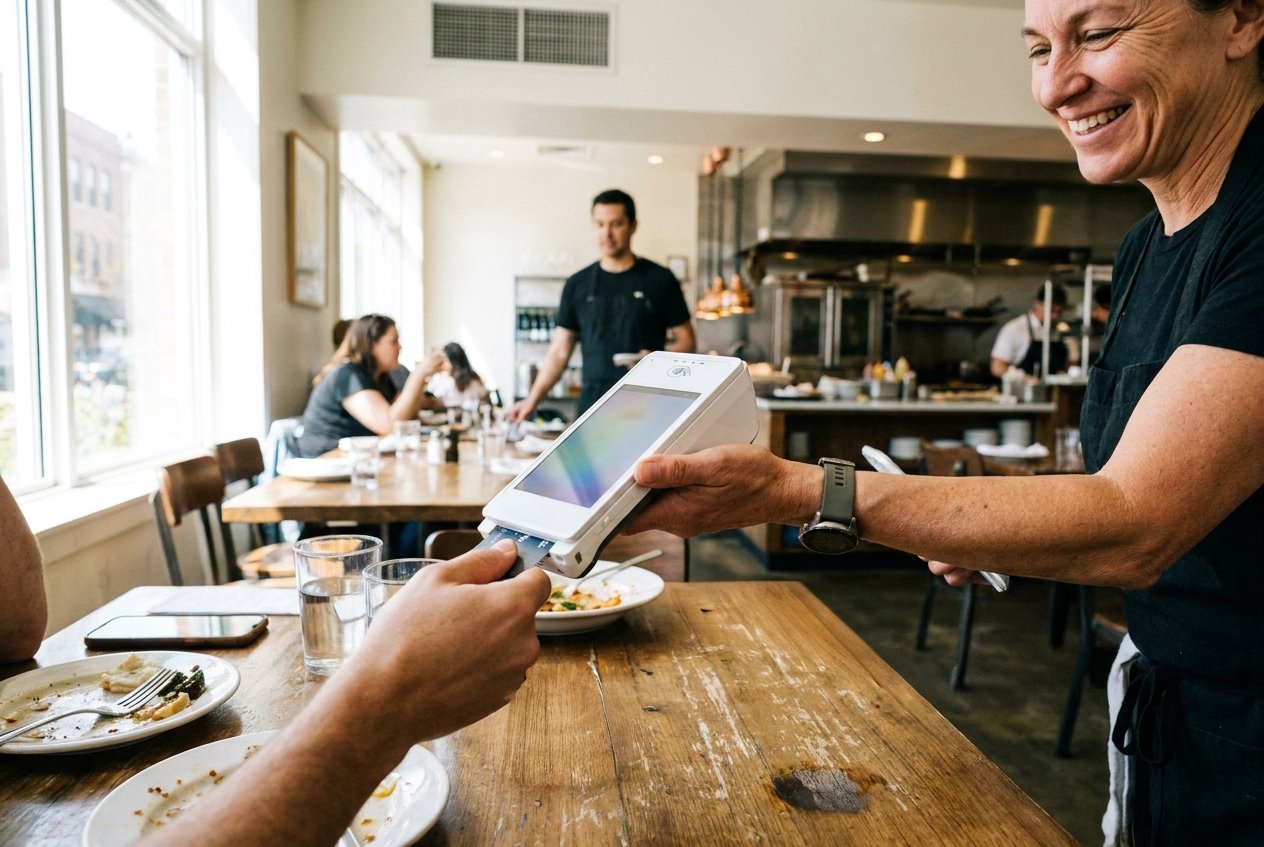
A server taking a card payment on a handheld terminal at a table.

Demander un rappel

Votre nom

Build for the pace of service

A quick-service counter needs a different setup from a dining room. We start with where orders are entered, how they reach preparation and where customers pay.

That gives each device and connection a reason to be in the restaurant.

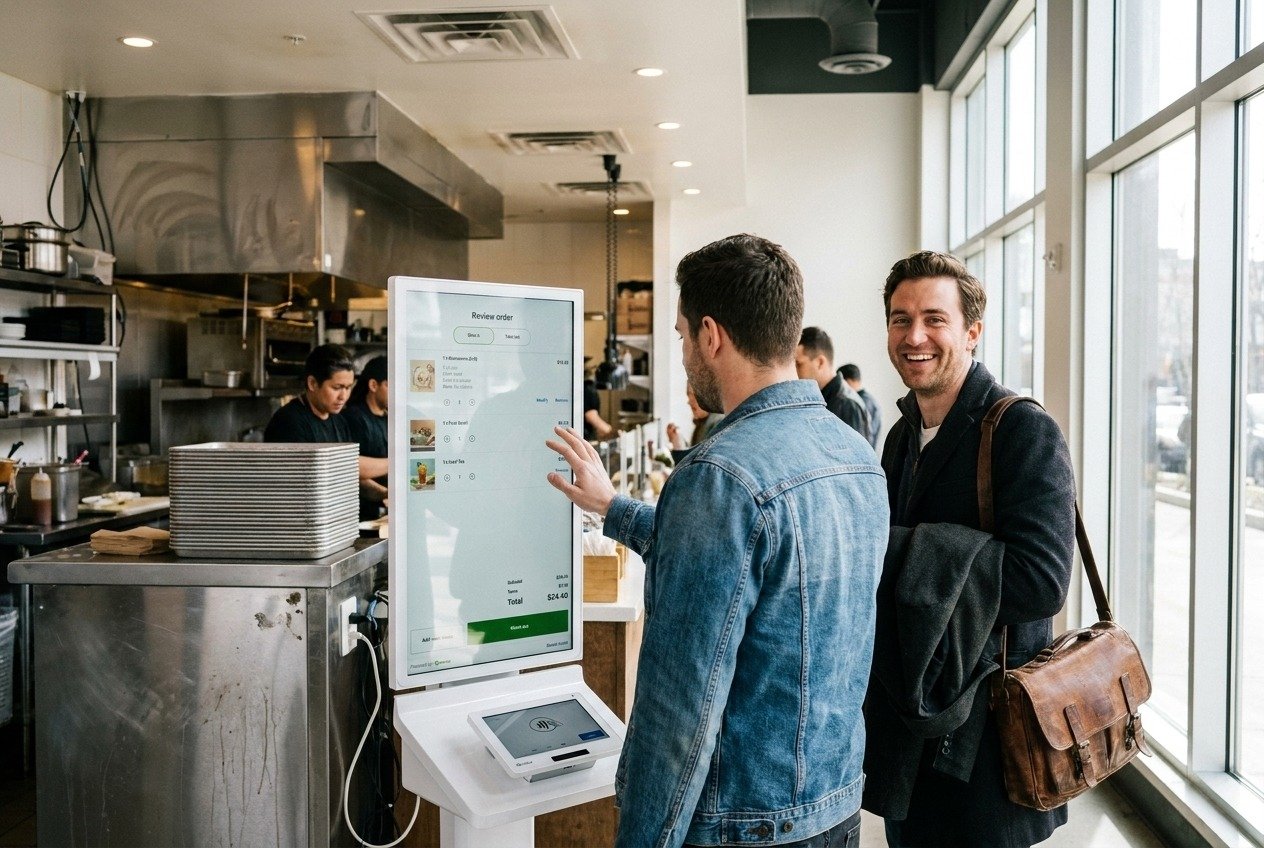
A customer entering an order at a self-order kiosk.

Des commerçants sur CleverPays

Note de 4,9 sur Google

“Elie and Oliver offer excellent customer service! They understand your needs as a business owner and they are very quick to respond. They are patient and will troubleshoot with you for as long as it takes to resolve an issue.”

Anna AilamakisMr. Puffs, Cornwall

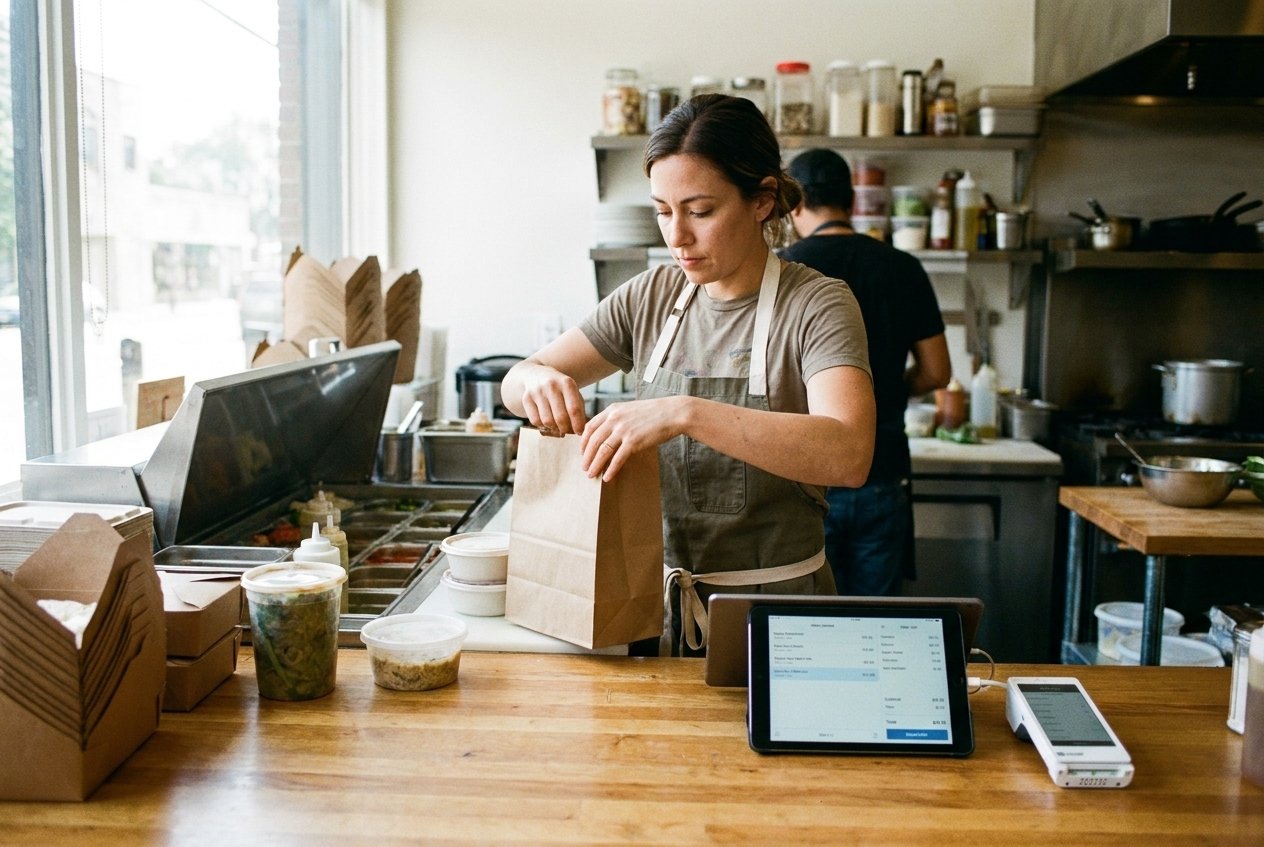
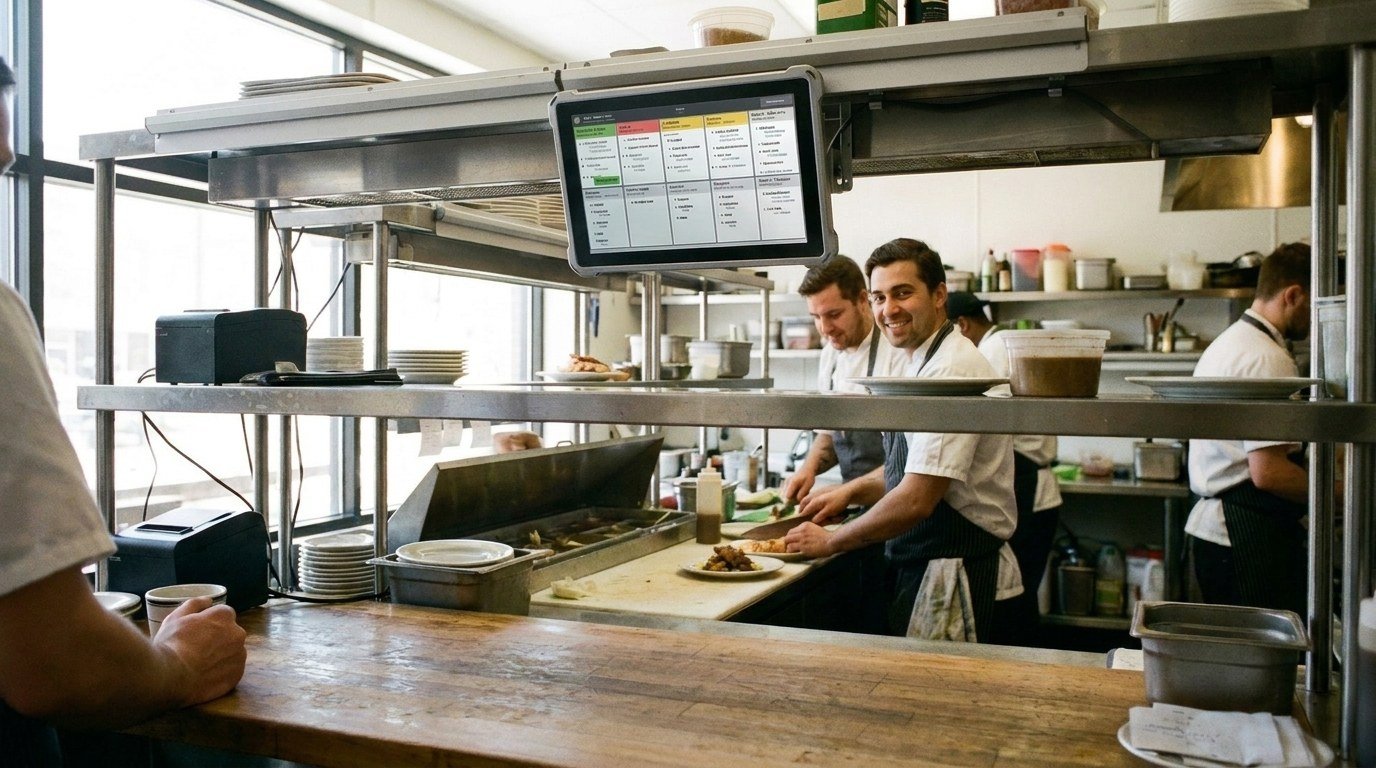
Order tickets on a kitchen rail.

Give the kitchen a clear order

Menus, modifiers and preparation instructions need to translate into useful tickets or displays. We agree how they should be organized and check the supported flow from order entry to the kitchen. The aim is a process the team can follow on a busy Friday night, not just during a quiet demonstration.

Counter, tableside and online order channels shown together.

Connect the order channels you actually use

Dine-in, pickup, delivery and online ordering can introduce different systems. We review the available integrations and explain where an order will arrive, what information moves and which actions remain with staff. We explain which channels can connect to your setup and where the team will still need a separate step.

Explore Online Payments
A tip and shift reconciliation summary at the end of service.

Prepare the menu, staff and close

Before launch, agree the menu data, access roles and payment tasks to prepare. Your managers also need a clear process for refunds, tips and the reports used at close. We work through those requirements alongside the hardware.

Explore Employee Tools
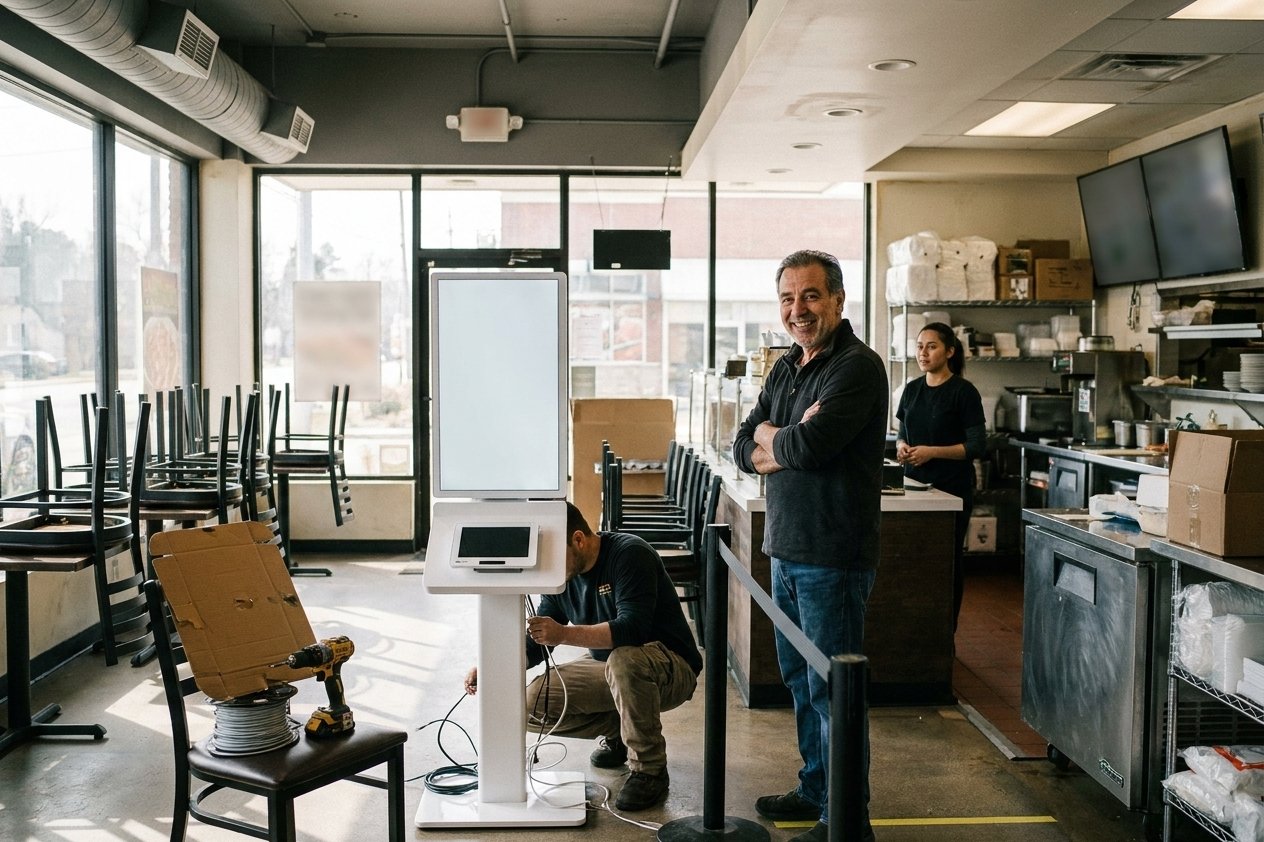
A kiosk rollout being planned before launch.

Plan the change around service

The launch plan identifies preparation, training, testing and the preferred changeover window. It also establishes what the team should do if a dependency is not ready. After launch, support responsibilities should be clear for the POS, payment account and connected tools.

Demander un rappel

Votre nom

Common questions

Not necessarily. We can review its supported payment connections and identify what can stay.

Découvrez comment nous aidons

Build around the way your restaurant serves

Tell us about the menu, order channels and the problems your team encounters during service.

Acceptez tous les principaux modes de paiement
VisaMastercardInteracAmerican ExpressDiscoverUnionPayJCBDiners ClubApple PayGoogle Pay