
Give staff the access they need, not the keys to everything.

Set up POS access around the work each person does. CleverPays helps configure user roles and reporting so managers can give the team useful tools without sharing every function across the business.

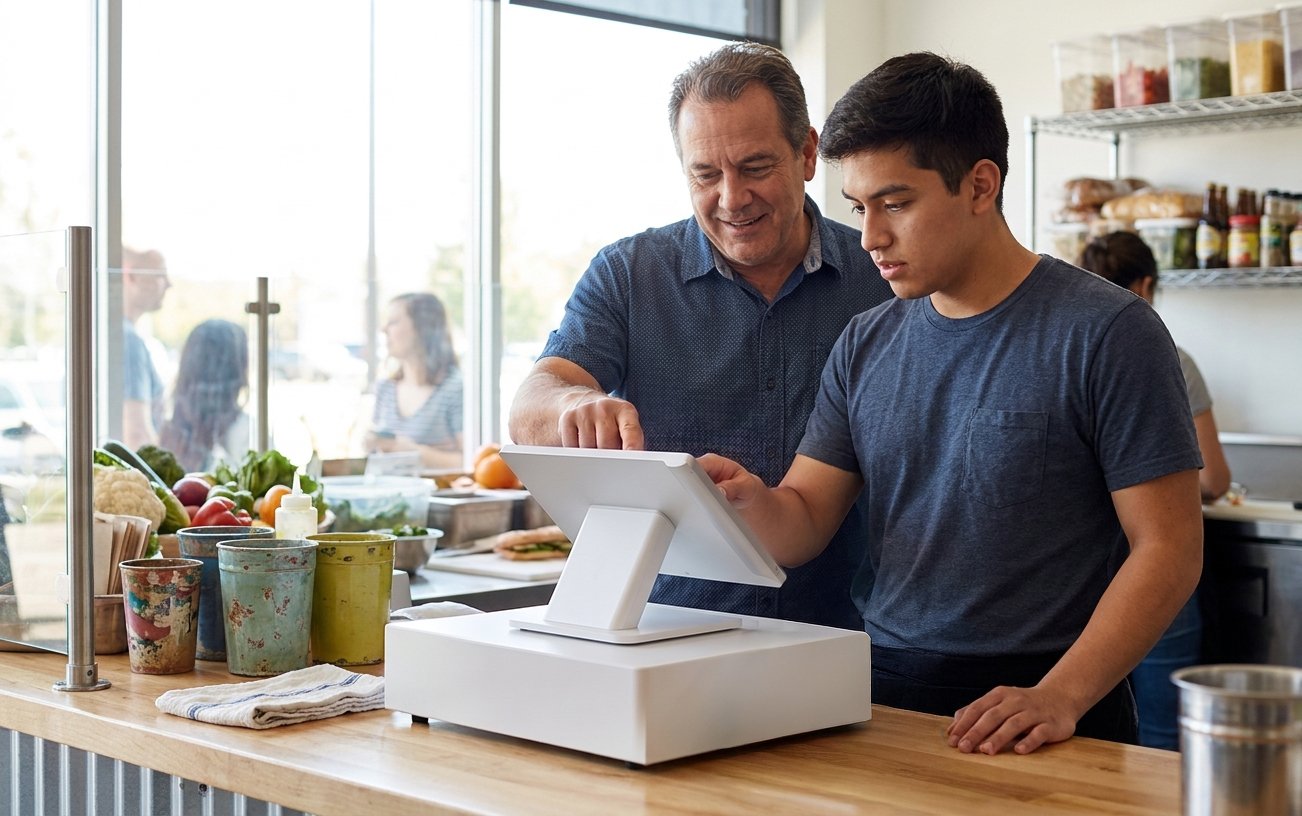
A manager setting staff permissions on a POS screen.

Demander un rappel

Votre nom

Give each user a clear identity

Individual access helps distinguish who performed an action and makes it easier to change permissions when someone joins, changes roles or leaves.

We review the user options available in the selected POS and how managers will maintain them.

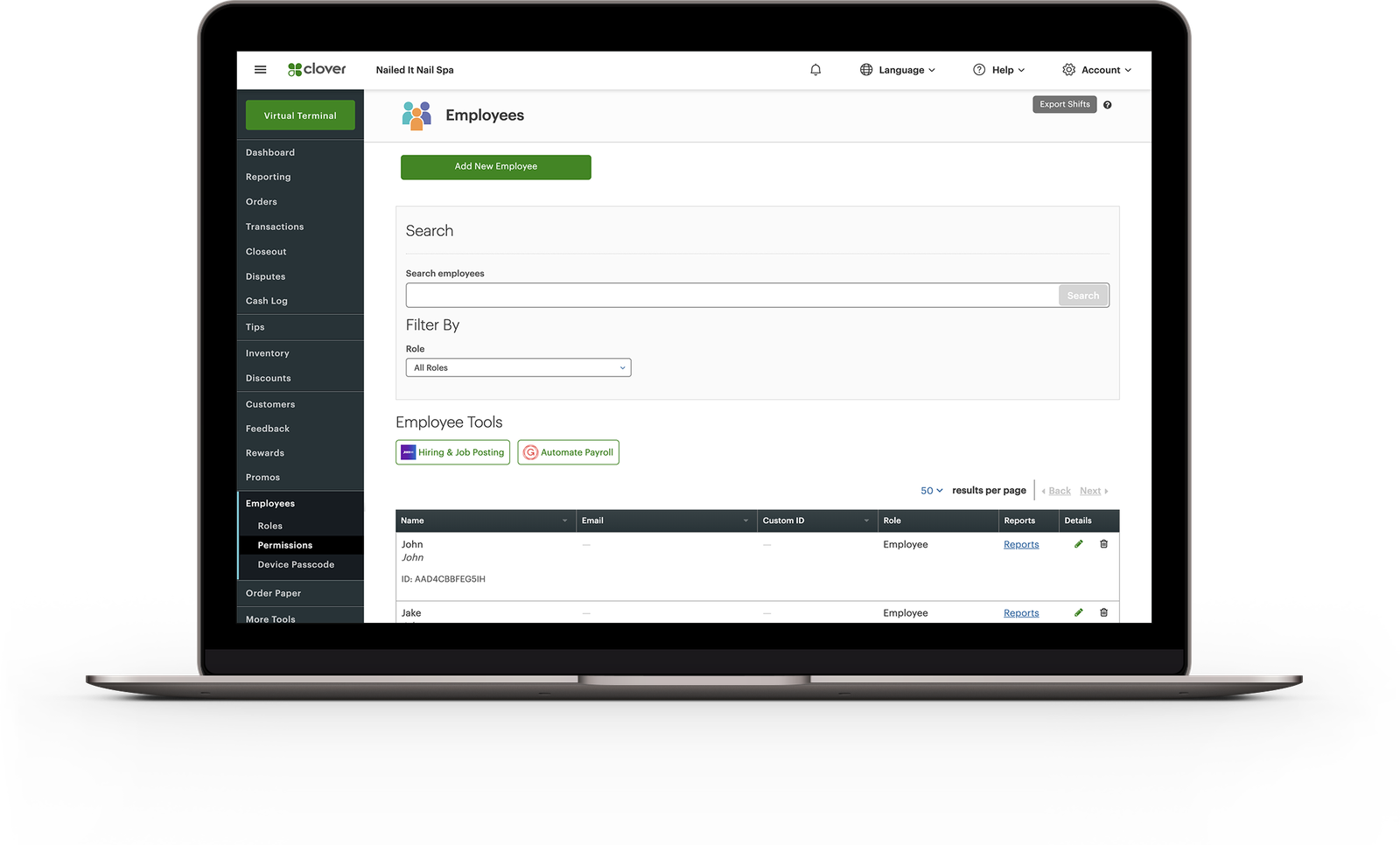
The Clover dashboard's Employees page, with roles and permissions, on a laptop.

Des commerçants sur CleverPays

Note de 4,9 sur Google

“Solves the problem, saves us money, franchise wide. Thank you CleverPays.”

MunchizSpecialty retail franchise

User roles and reporting access managed on one screen.

Match permissions to responsibility

Cashiers, servers, supervisors and owners may need different functions. Decide who can issue refunds, change prices, view reports or manage users before the system goes live. The setup should reflect real responsibilities rather than giving everyone the same access for convenience.

Front-desk staff ringing up a sale on a mobile POS.

Separate POS access from other employee tools

Time tracking, scheduling, tips and payroll connections may involve different features or applications. We assess the tools your business needs and identify which provider handles each part. A POS staff account should not be mistaken for a complete HR or payroll system.

Explore POS Integrations
A tip and commission report by staff member.

Make staff reporting useful

Reports can help managers understand activity recorded by the POS. We review which information is available, who needs it and how it should be interpreted alongside the work people actually do.

Explore Reporting
A cafe owner going through a Clover Flex with a CleverPays specialist on launch day.

Train the role, not just the screen

A cashier needs to practise different tasks from a manager. We agree the handover around those roles and include the process for maintaining access after launch.

Demander un rappel

Votre nom

Common questions

That depends on the software and account structure. We review the desired roles and site differences before configuring access.

Découvrez comment nous aidons

A reporting dashboard open on a laptop.

Rapports

Cernez les rapports et les connexions nécessaires pour comprendre les ventes, l'activité de paiement et les dépôts.

Découvrir les rapports

Put staff access in order

Tell us about your team, the POS you use and which actions need clearer control.

Acceptez tous les principaux modes de paiement
VisaMastercardInteracAmerican ExpressDiscoverUnionPayJCBDiners ClubApple PayGoogle Pay