Une connexion existante prise en charge
Une intégration prise en charge peut déjà relier le PDV et le service de paiement. Nous examinons ses exigences et les fonctions qu'elle couvre.
Découvrez ce qui peut se connecter avant de changer de fournisseur de traitement ou d'acheter du matériel. CleverPays examine votre PDV actuel, explique la voie de paiement offerte et cerne tout travail d'intégration supplémentaire.

Une intégration prise en charge peut déjà relier le PDV et le service de paiement. Nous examinons ses exigences et les fonctions qu'elle couvre.

Certaines configurations utilisent un terminal de paiement autonome ou un autre processus en dehors du PDV. Nous expliquons les actions du personnel et les étapes de rapprochement que cela entraîne.

Si les produits offerts ne répondent pas au besoin, nous pouvons discuter d'un développement sur mesure. La portée, les accès, les tests et la maintenance doivent être convenus séparément avant le début des travaux.
Note de 4,9 sur Google
“Ça règle le problème et nous fait économiser, dans toute la franchise. Merci CleverPays.”
MunchizFranchise de commerce spécialisé · traduit de l’anglais
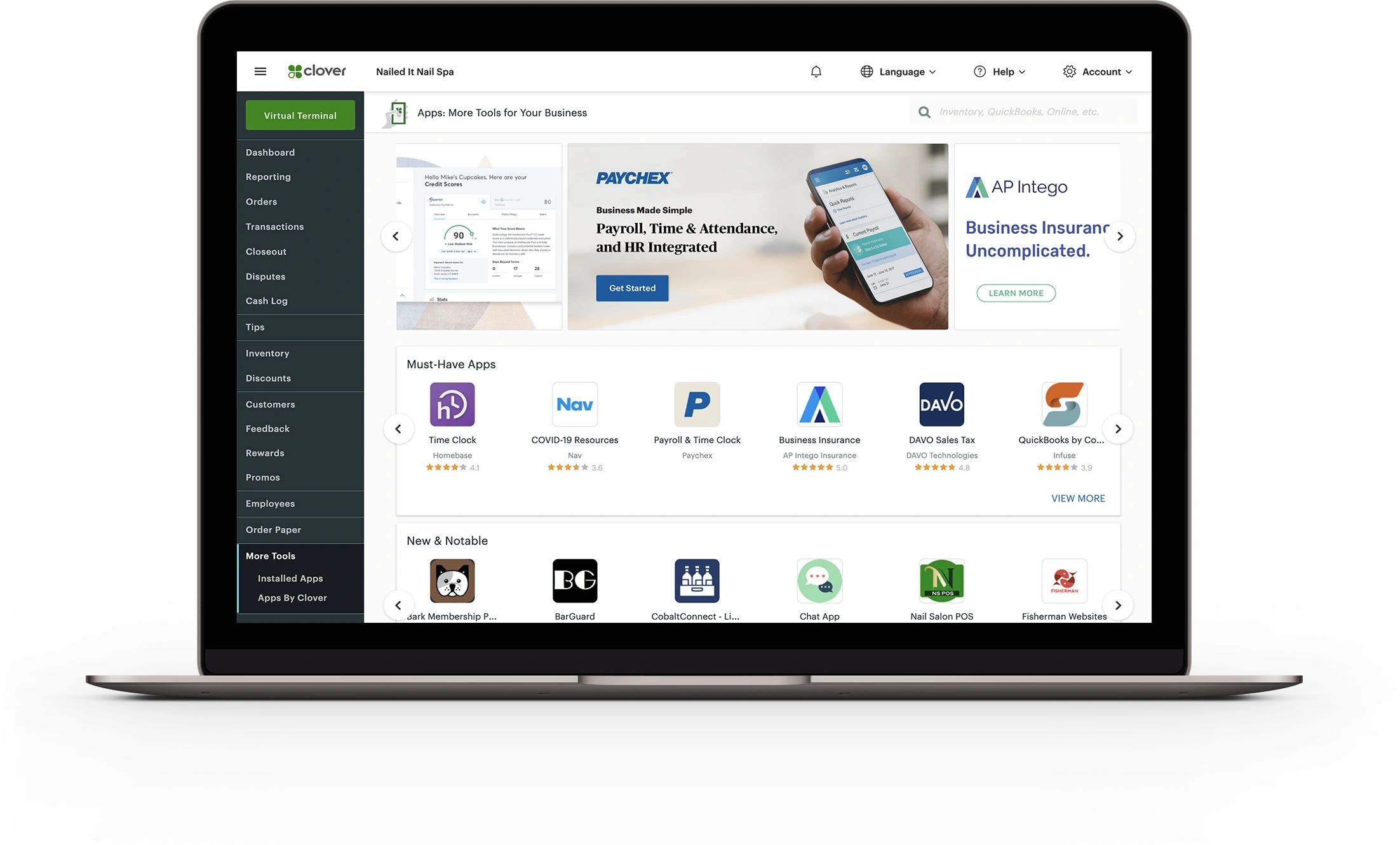
Indiquez-nous le nom, la version et le fournisseur de votre PDV, ainsi que les appareils et le compte de paiement qui y sont connectés. Nous vous demandons aussi quel problème l'intégration doit régler : la double saisie, des rapports déconnectés ou une option de paiement manquante.

Transmettre le montant d'une vente n'est pas la même chose que synchroniser les produits, les remboursements ou les dossiers clients. Nous définissons les actions et les données que l'intégration doit gérer et nous cernons ses limites. La compatibilité devient ainsi une réponse précise plutôt qu'un logo sur une page de partenaires.
Explore Inventory Tools
Le fournisseur du PDV, le fournisseur de traitement et le fournisseur des appareils peuvent chacun contrôler une partie de la configuration. Nous déterminons qui la configure, qui peut y apporter des changements et qui enquête sur un problème après le lancement.

Le projet doit prévoir des vérifications pour la transaction normale et pour les exceptions que votre équipe rencontre. Les tests doivent couvrir le comportement convenu pour les paiements, les remboursements et les rapports avant un déploiement plus large.
Non. Les choix de fournisseur de traitement et d'appareils dépendent des connexions prises en charge par le PDV et des ententes de compte.
Indiquez-nous les détails de votre PDV et le changement que vous voulez apporter. Nous partirons des options prises en charge.