The short answer
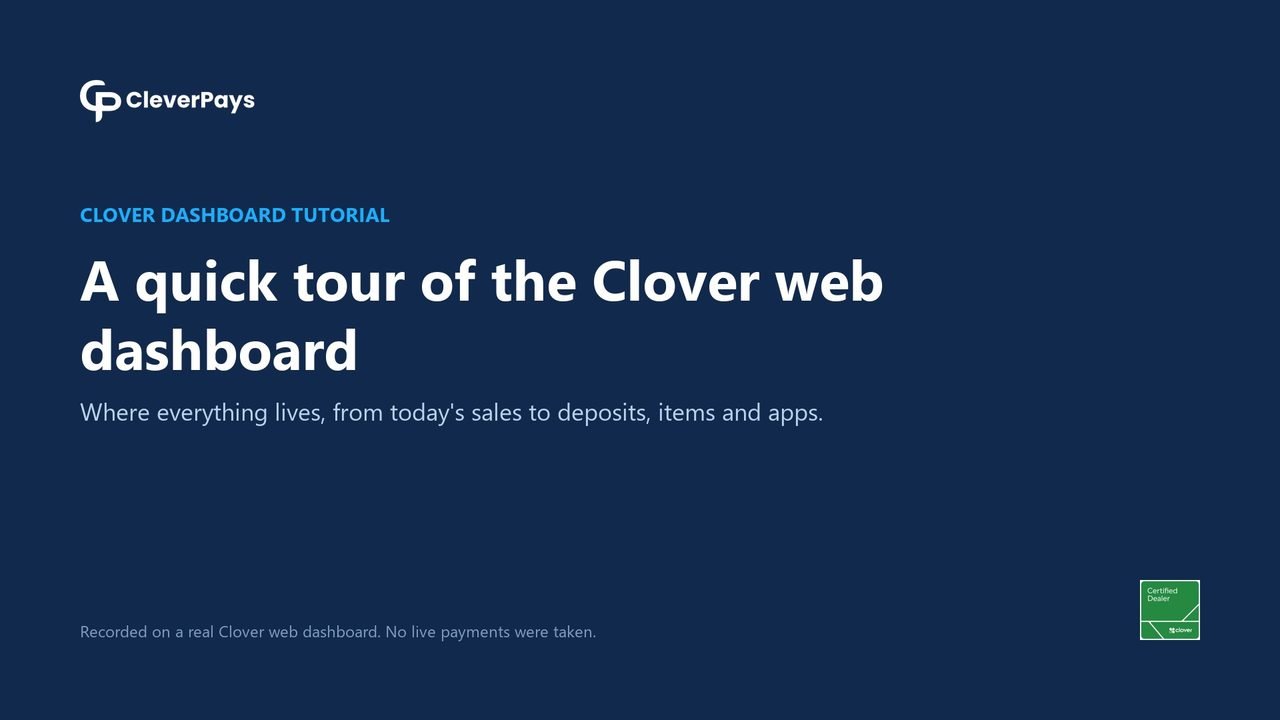
Sign in at clover.com to see your sales, refunds, deposits, statements, taxes, items and staff. Each video below covers one task, step by step, and has its own page with chapters and the steps written out.
Find your way around
Sales and reports

Your money and the bank


Items, menus and staff

Selling beyond the counter
Common questions
Were these videos recorded on a real Clover account?
Yes. We recorded them on CleverPays' own Clover web dashboard on 6 November 2026, view only. No sales, refunds or settings were changed, and customer and employee names are blurred.
Are the tutorials available in French?
Yes. Each video has a French version with a Quebec French voice and French captions, on the French side of this site.
Will my Clover dashboard look the same?
Mostly. What you see depends on your plan, your devices and the apps you've installed, so some menus can differ.
Can CleverPays help with my Clover account?
Yes. CleverPays is a Certified Clover Dealer in Canada. We set up Clover and answer dashboard questions, in English and French.