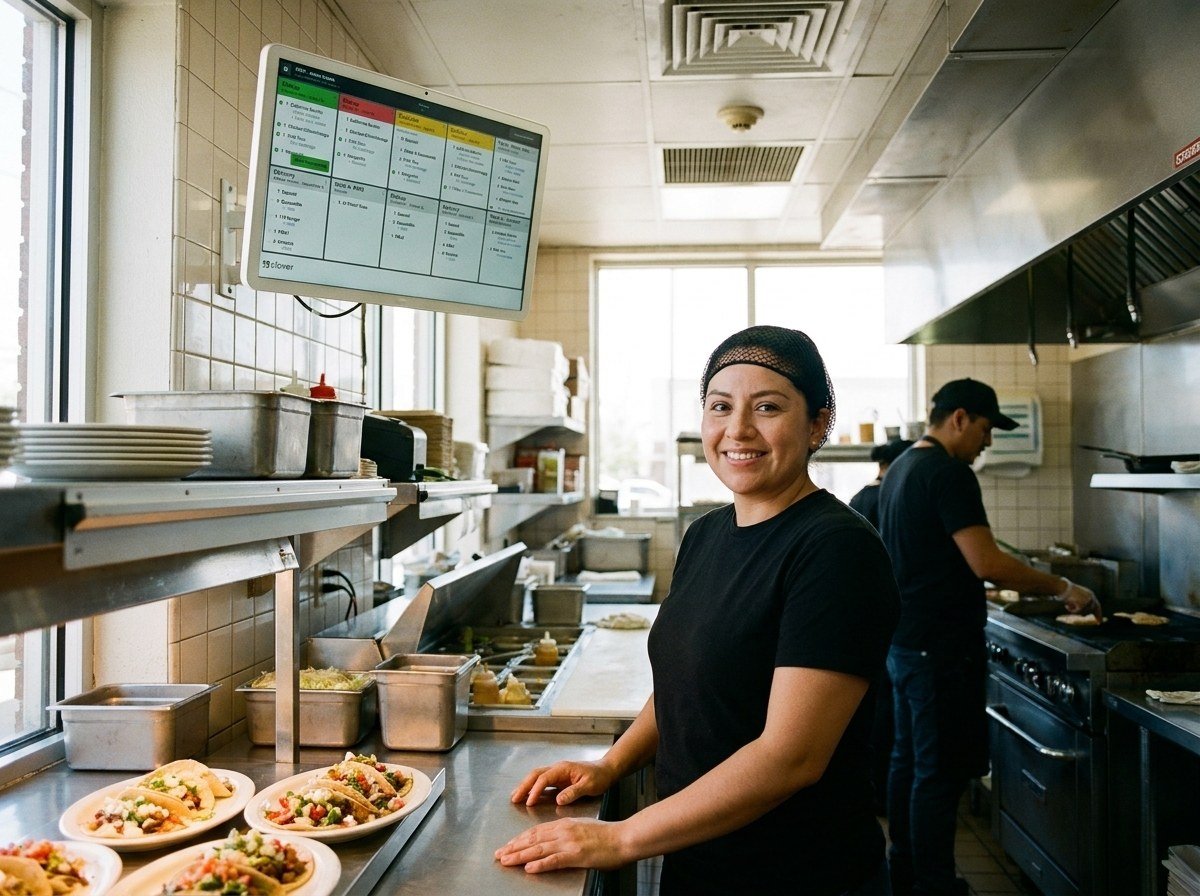
See every ticket in one place
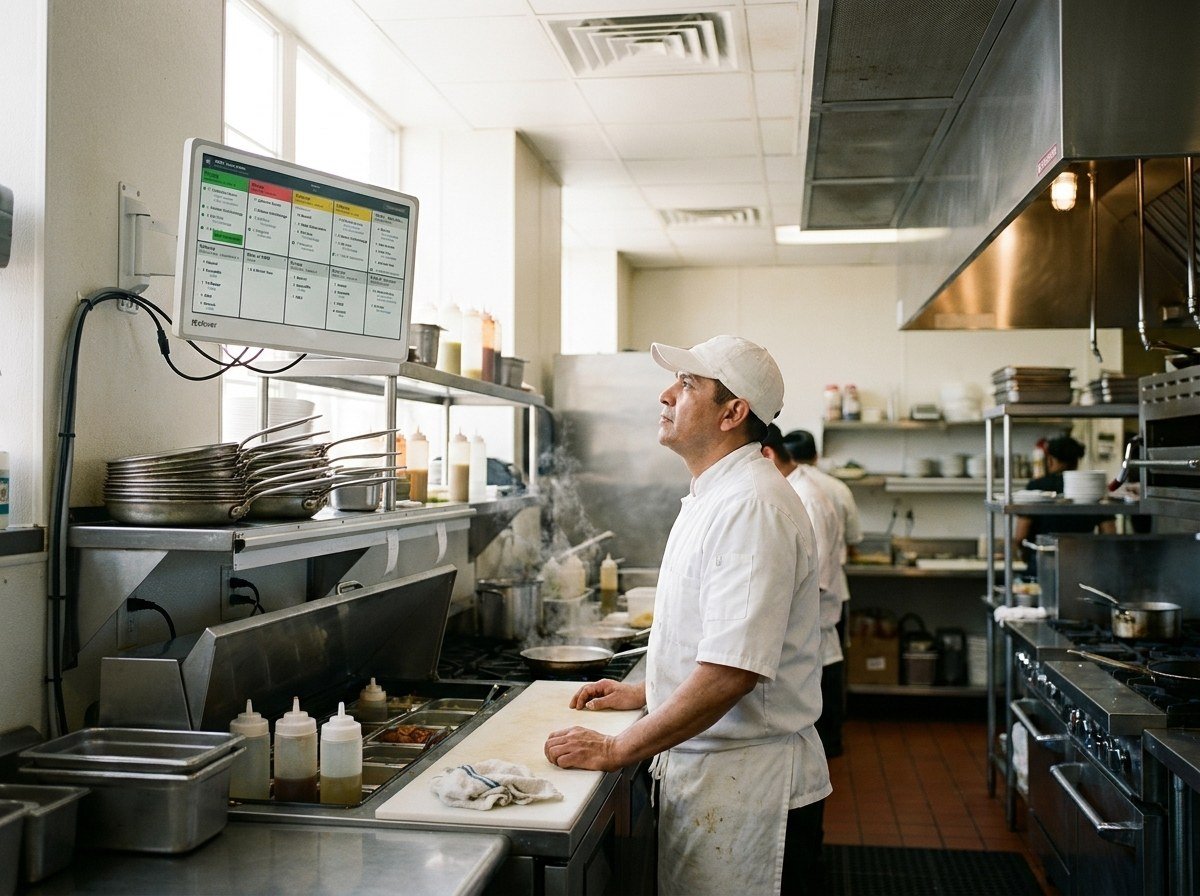
In-house orders and orders from outside apps show on one screen. Expo mode and colour-coded status show what's waiting, and prep time reports show how long tickets take.
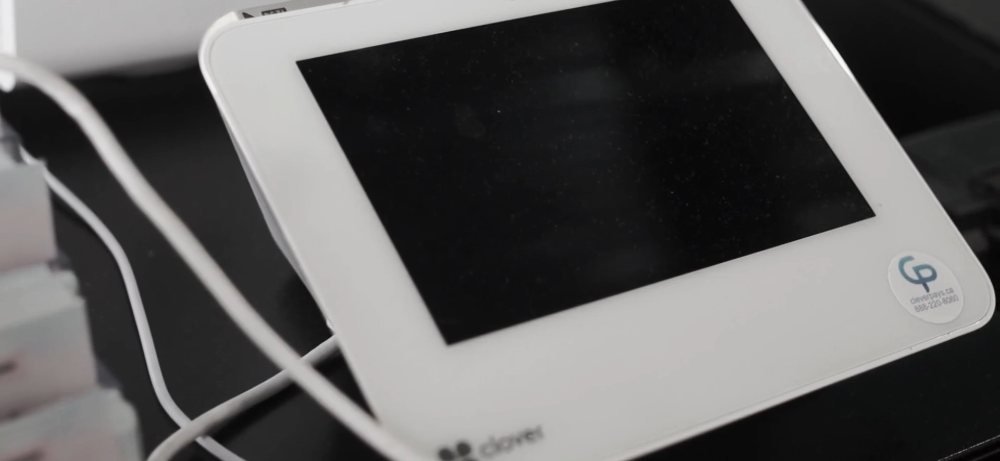
Clover for restaurantsA 14-inch or 24-inch screen that shows orders, item status and ticket times, in place of paper tickets. Here's which size fits and what to check.
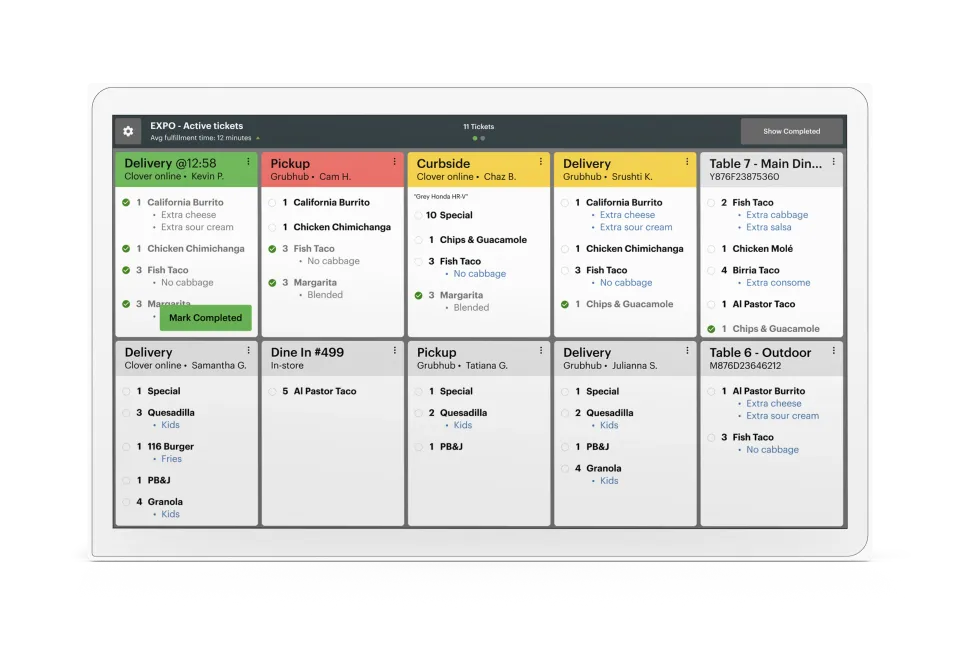
One queue for every order
In-house orders and orders from outside apps land on the same screen.
Fewer paper tickets
An order placed on any Clover device in the restaurant goes straight to the screen.
Orders routed by item
Clover lists item-level routing, so ask how it would map to your stations.
Paper where you still want it
Staff can print runner tickets from the screen on a network-connected printer.
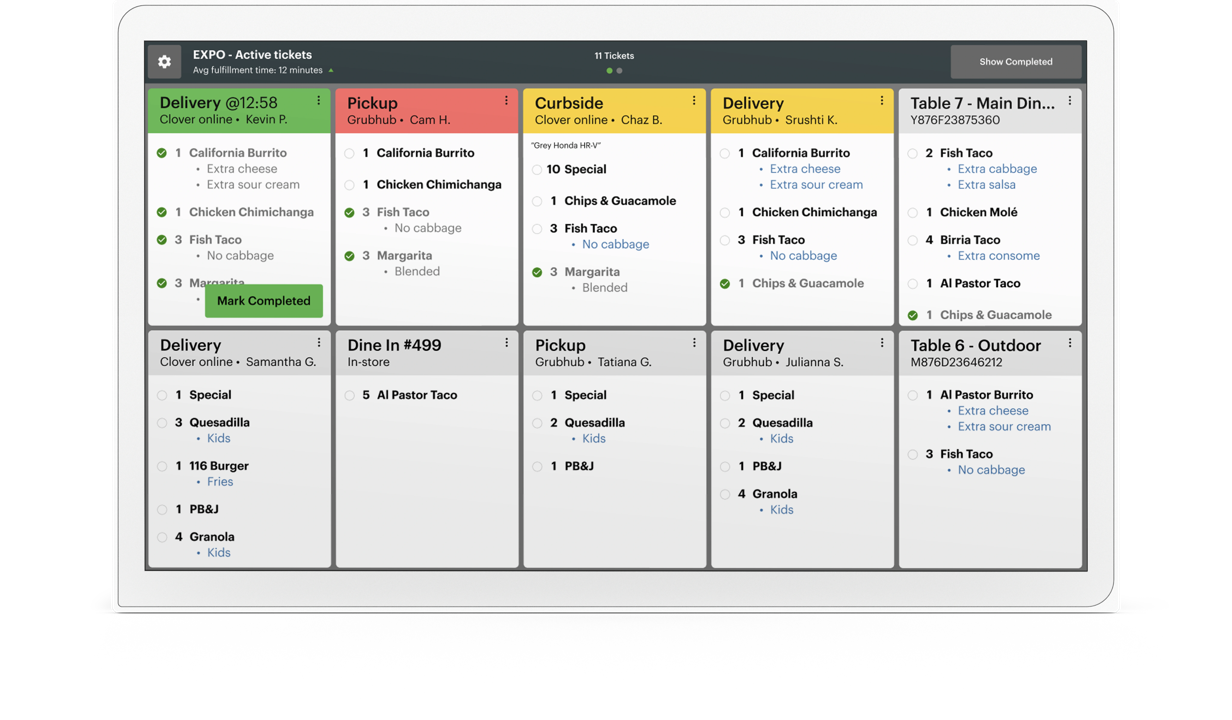
1Expo mode
One view of the active tickets and their times, for the person running the pass.
Clover rates it to 122°F (50°C), and the screen has anti-fingerprint and anti-glare treatment. Speakers facing both ways help staff hear alerts over the line.
Rated 4.9 on Google
“Solves the problem, saves us money, franchise wide. Thank you CleverPays.”
MunchizSpecialty retail franchise
In-house orders and orders from outside apps show on one screen. Expo mode and colour-coded status show what's waiting, and prep time reports show how long tickets take.
Clover for restaurantsAlready have a POS?
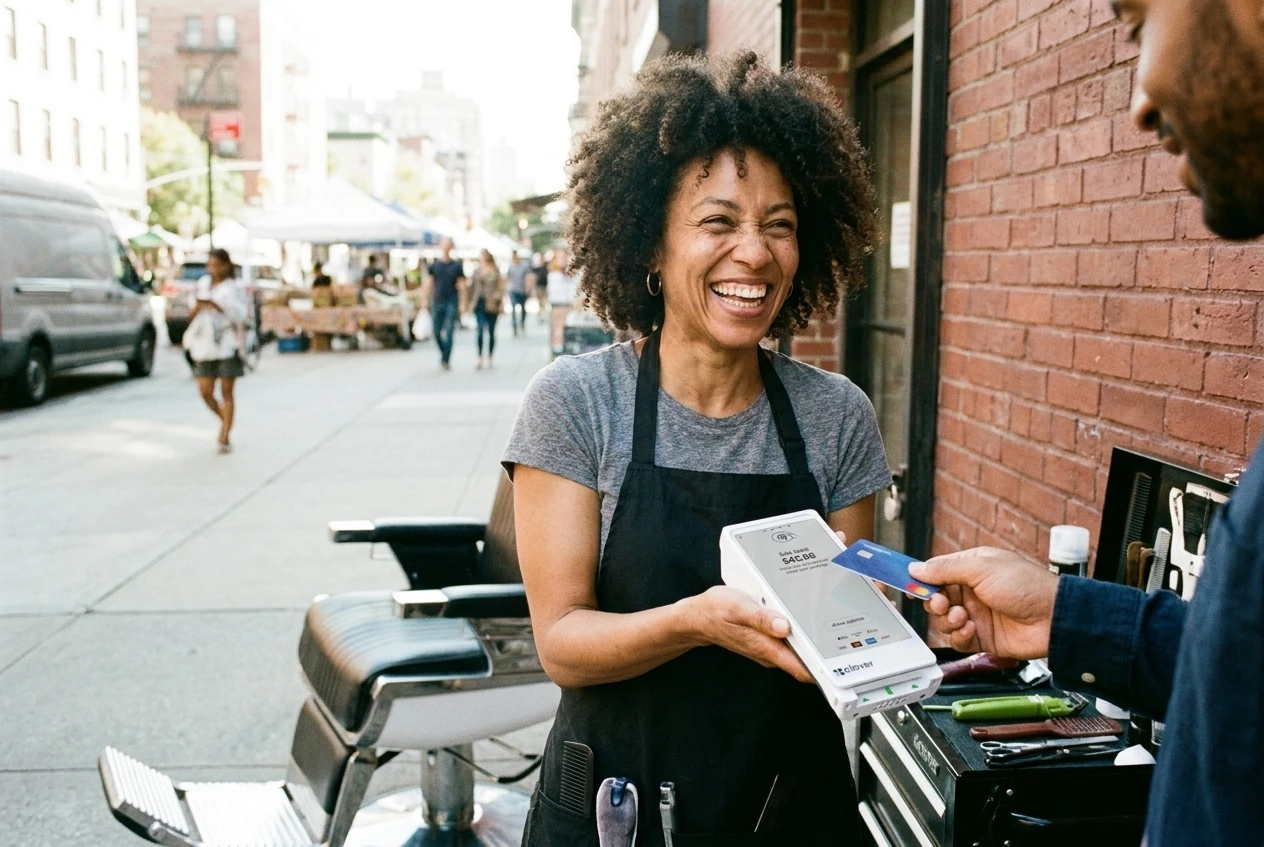
Integrate Cleverpays with the POS you already use and move your in-store and online payments to a better setup.
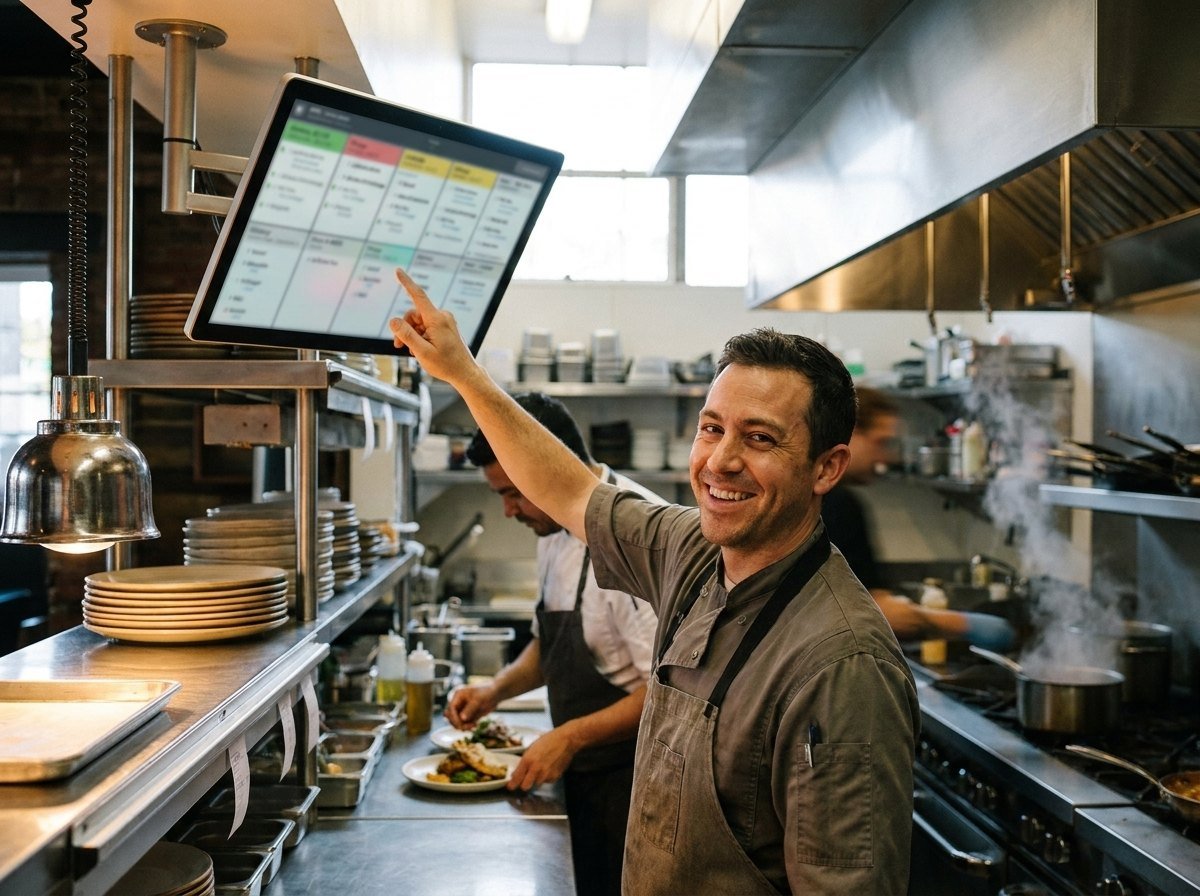
The 24-inch suits overhead mounting with an optional bump bar. The 14-inch fits a tight space, on a counter or on a wall with accessories, and it can use a bump bar too.
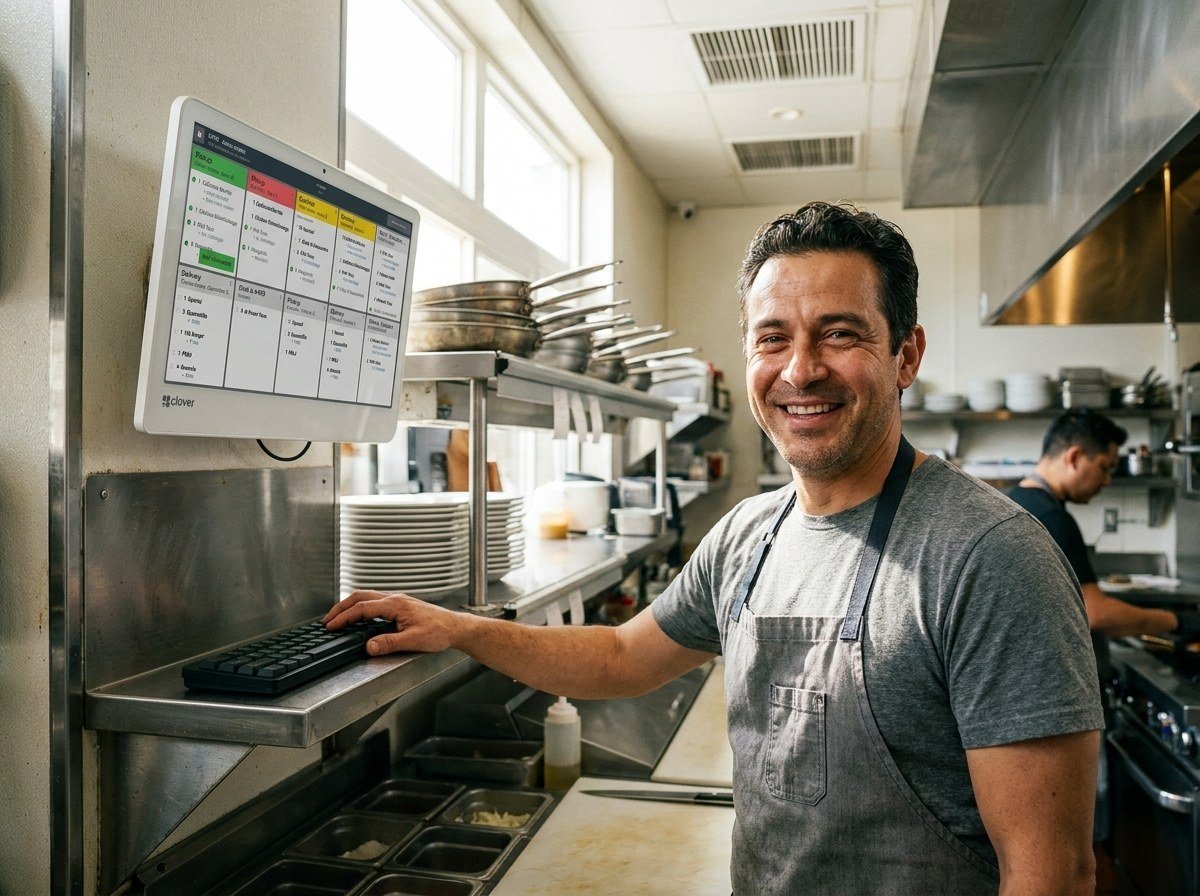
The KB9000 is a programmable keypad for managing orders. It helps when the screen is mounted overhead, or when staff would rather not touch the screen.
Clover offers both. A kitchen printer is simple and familiar. A display helps when you want every order in one queue and want to see how long tickets take.
Tell us how you sell, what you use today and what you want the system to handle.
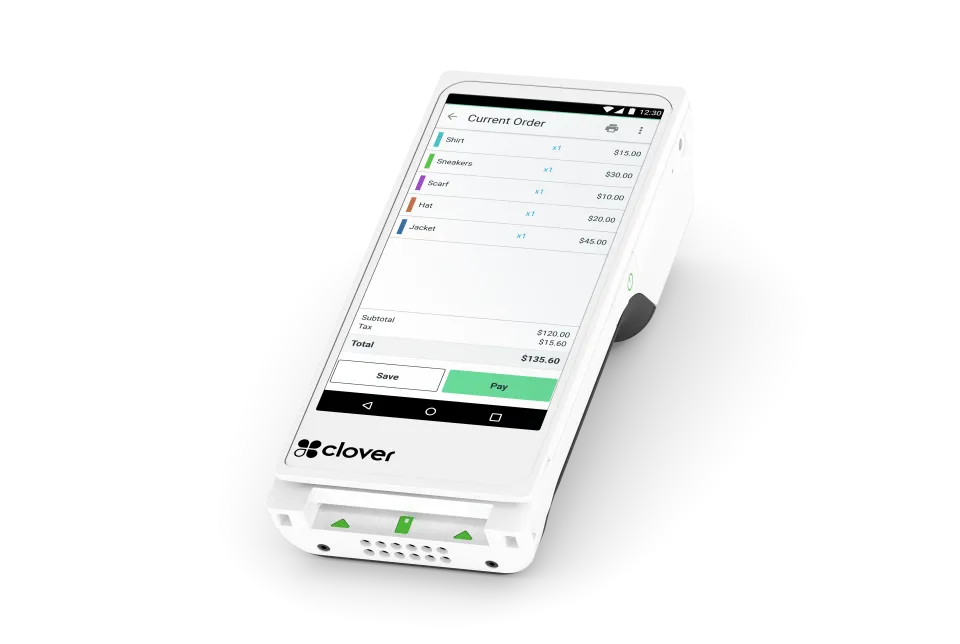
A handheld with a nearly 6-inch screen, a built-in printer and a barcode scanner. It runs on Wi-Fi or LTE and takes tap, chip and swipe.
Explore Clover Flex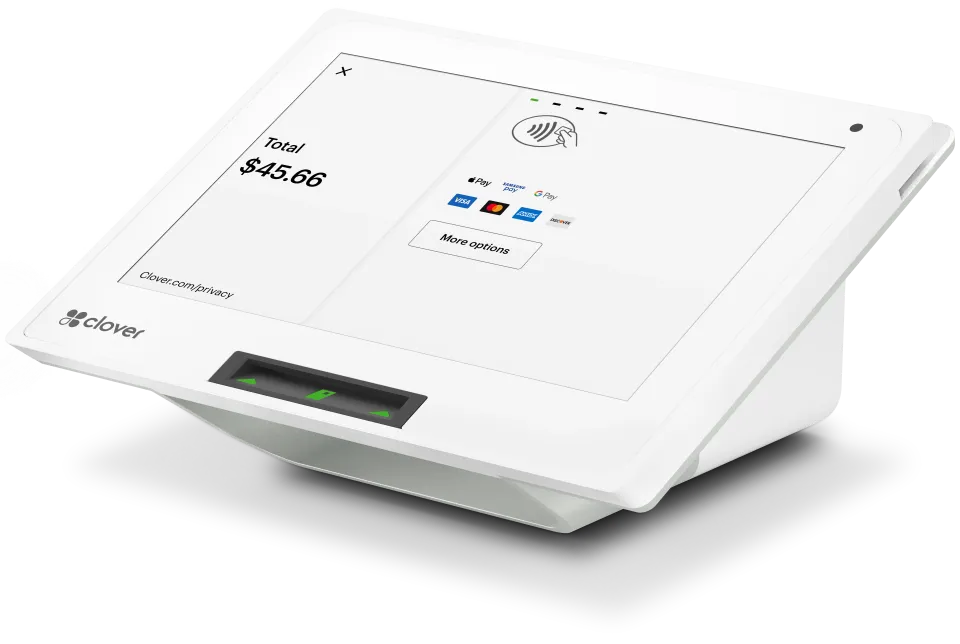
An 8-inch screen with a built-in printer, for a small counter. It connects by Wi-Fi, Ethernet or LTE, and a cash drawer is optional.
Explore Clover Mini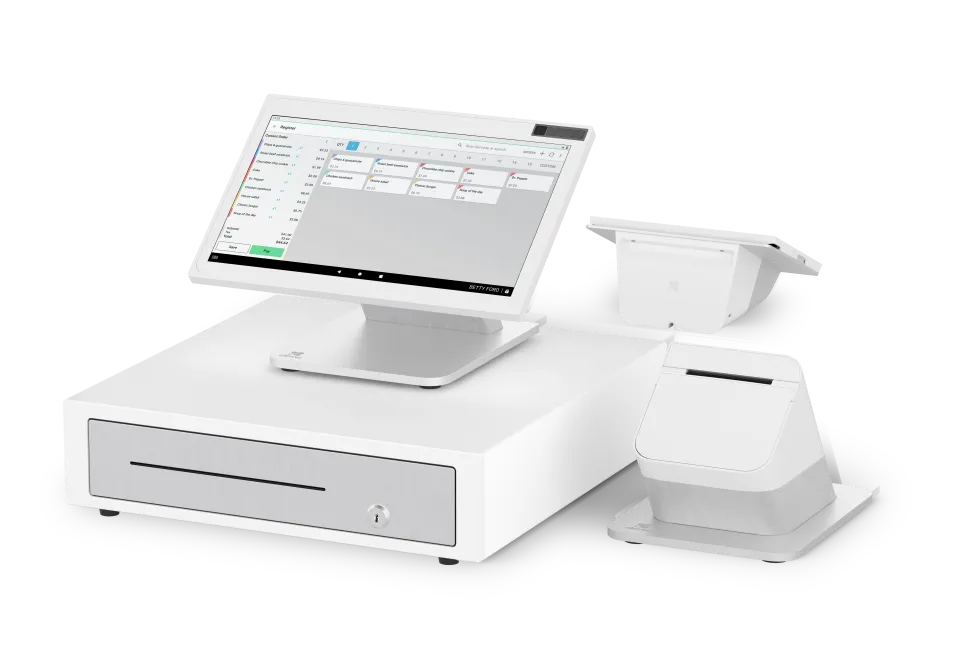
A 14-inch staff screen and an 8-inch customer screen for tips and payment. It has a fast printer, and a cash drawer is optional.
Explore Station Duo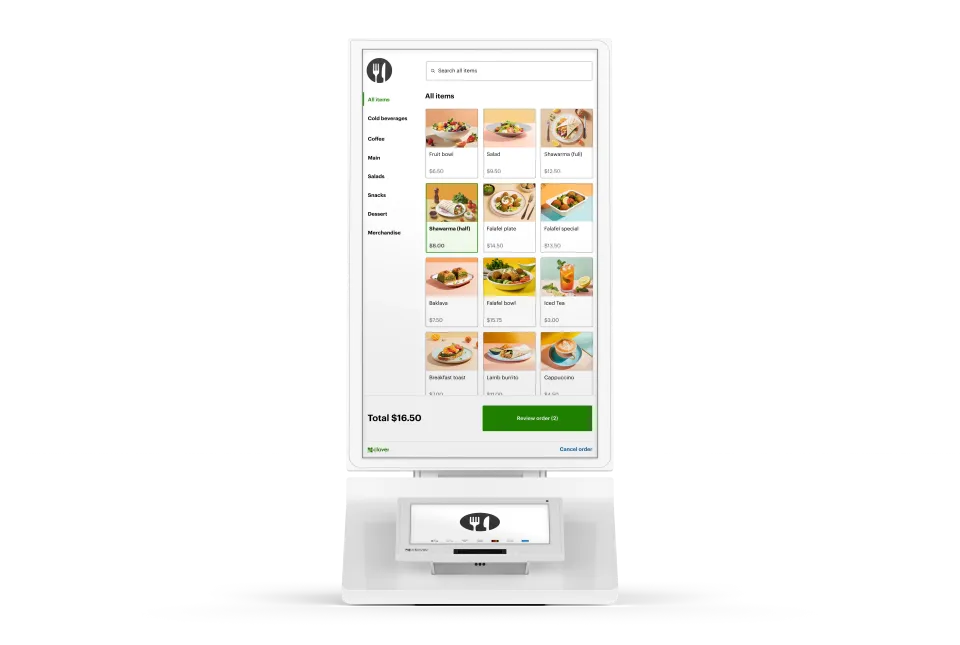
A 24-inch order screen and an 8-inch payment screen with a built-in printer. Clover says it's English only and not offered in Quebec.
Explore Clover Kiosk