An existing supported connection
A supported integration may already connect the POS and payment service. We review its requirements and the functions it covers.
Find out what can connect before you change processors or buy hardware. CleverPays reviews your existing POS, explains the available payment route and identifies any additional integration work.

A supported integration may already connect the POS and payment service. We review its requirements and the functions it covers.

Some setups use a standalone terminal or another process outside the POS. We explain the staff actions and reconciliation steps this creates.

If the available products do not cover the requirement, we can discuss custom development. Scope, access, testing and maintenance need to be agreed separately before work begins.
Rated 4.9 on Google
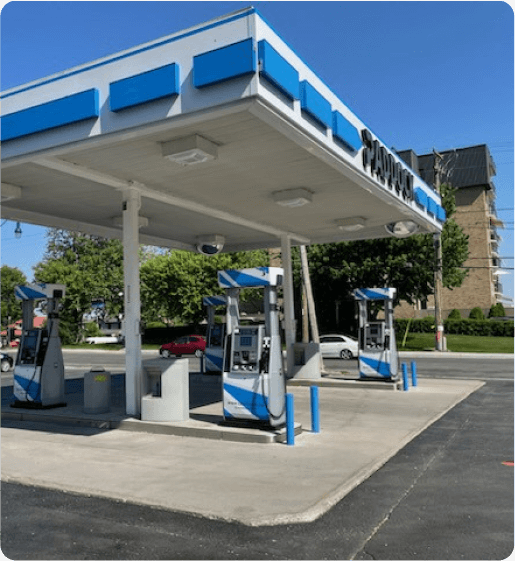
“Paddock gas station has seen incredible improvements since implementing the Pay@Pump solution from CleverPays. Our customers now enjoy the convenience of quick and secure payments right at the pump, and it’s boosted our efficiency and we saved a ton of money on our monthly payment processing costs.”
EricOwner, Paddock
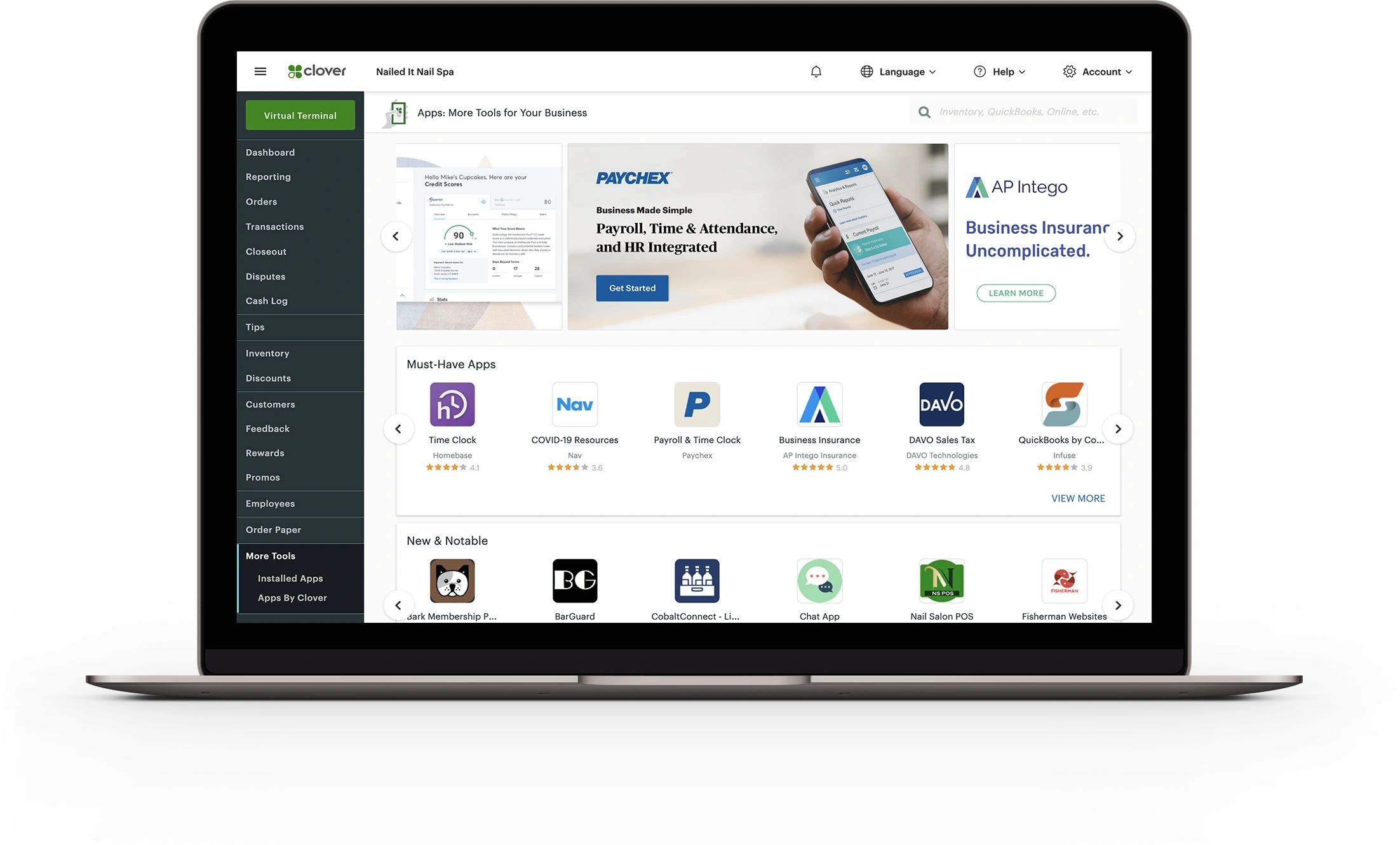
Tell us the POS name, version and provider, along with the devices and payment account currently connected to it. We also ask which problem you want the integration to solve: repeated entry, disconnected reporting or a missing payment option.

Sending a sale amount is different from synchronizing products, refunds or customer records. We define the actions and data the integration needs to handle and identify any limitations. That makes compatibility a specific answer rather than a logo on a partner page.
Explore Inventory Tools
The POS provider, processor and device provider may each control part of the setup. We identify who configures it, who can make changes and who investigates a problem after launch.

The project needs checks for the normal transaction and the exceptions your team encounters. Testing should cover the agreed payment, refund and reporting behavior before a wider rollout.
No. Processor and device choices depend on the POS’s supported connections and account arrangements.
Share your POS details and the change you want to make. We will start with the supported options.