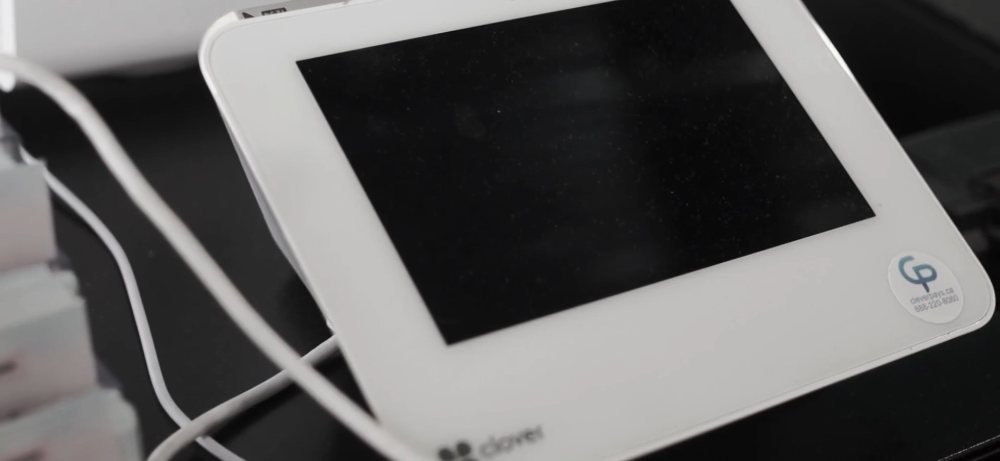

Build the counter around the customer
Consider scanning, payment, receipts and the room available for staff to work. We select the device roles and accessories around these tasks, rather than starting with the largest screen.
Bring checkout, products, returns and reporting into a setup your team can work with. CleverPays helps configure payment and POS tools around the way your shop sells, with supported connections to the systems you already use.
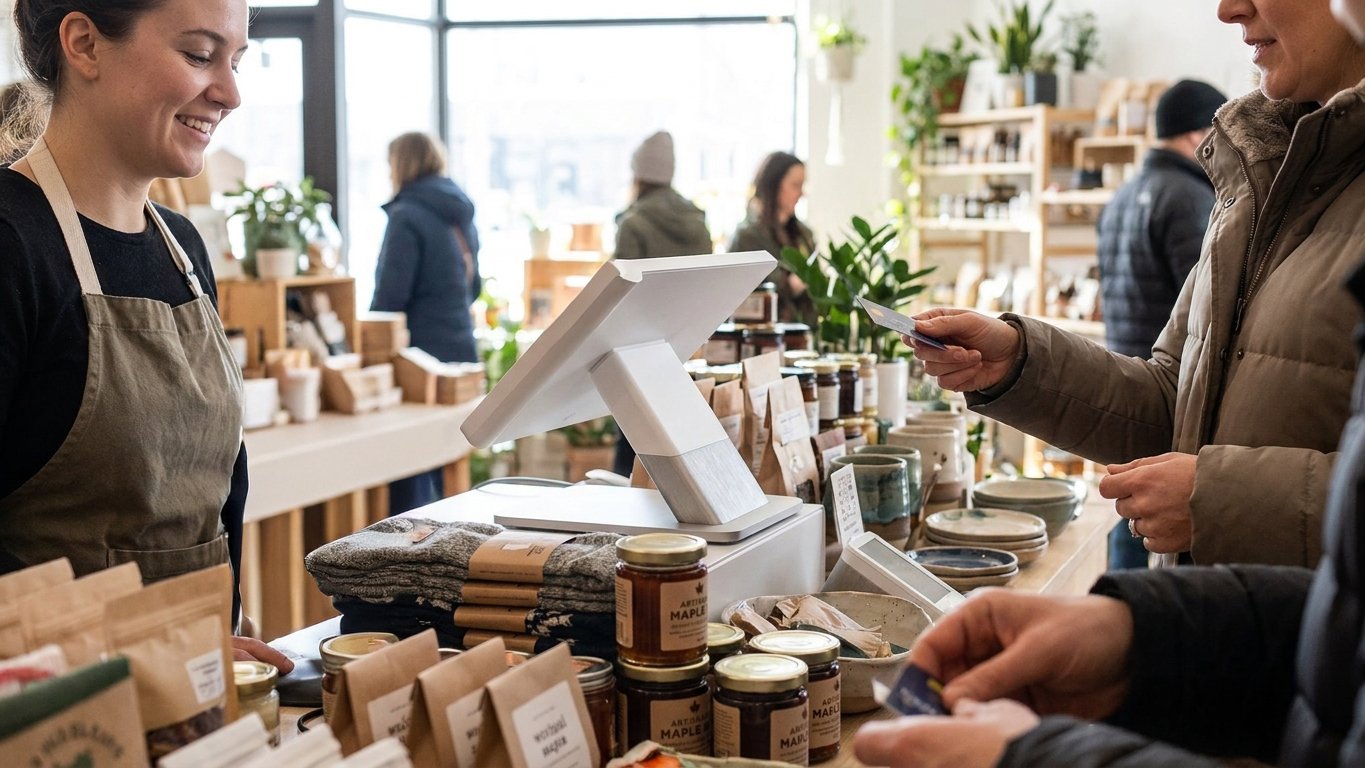
Sizes, colours, barcodes and categories shape the work at checkout. We agree how your catalogue should be organized and what needs preparing before it is imported or entered into the new setup.
A clear product file helps both the sales floor and the stockroom.

Rated 4.9 on Google
“Solves the problem, saves us money, franchise wide. Thank you CleverPays.”
MunchizSpecialty retail franchise
Consider scanning, payment, receipts and the room available for staff to work. We select the device roles and accessories around these tasks, rather than starting with the largest screen.

Returns, exchanges and corrections need a process just as much as new sales do. We review the supported options, staff permissions and records needed to handle them consistently.
Already have a POS?

Integrate Cleverpays with the POS you already use and move your in-store and online payments to a better setup.
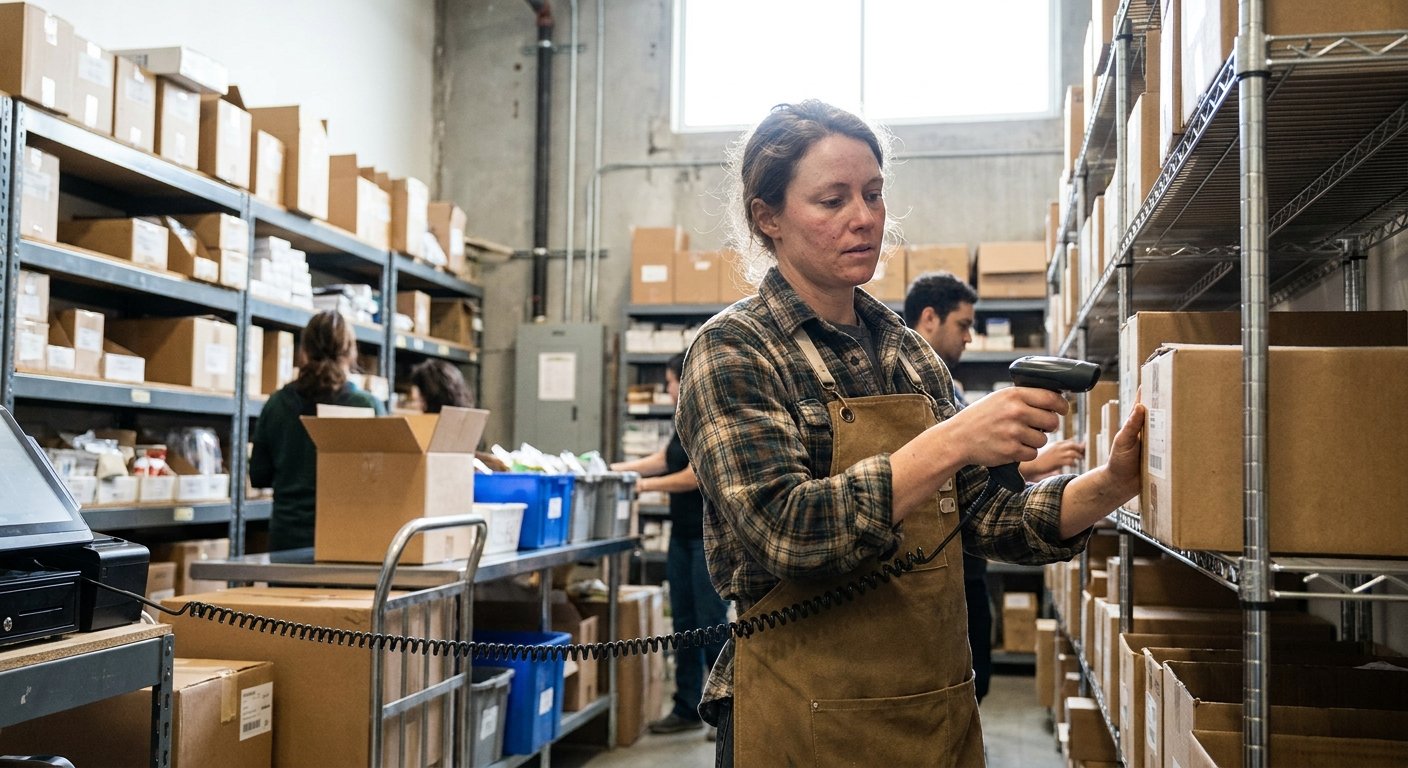
A sale, a return and a delivery can each change the stock position. We help identify where those updates are recorded and which system controls the product information.
Explore Inventory Tools
If you sell online as well as in person, we assess the available payment and inventory connections. The setup should make clear what synchronizes, when it updates and which work still needs a separate step. We do not assume every platform allows the same processor or integration choices.
Explore Ecommerce Payments
We review the sales and payment reports available, who can access them and how they support the store’s reconciliation routine.
Explore ReportingWe can review compatible options and the rules for redemption, customer communication and reporting.
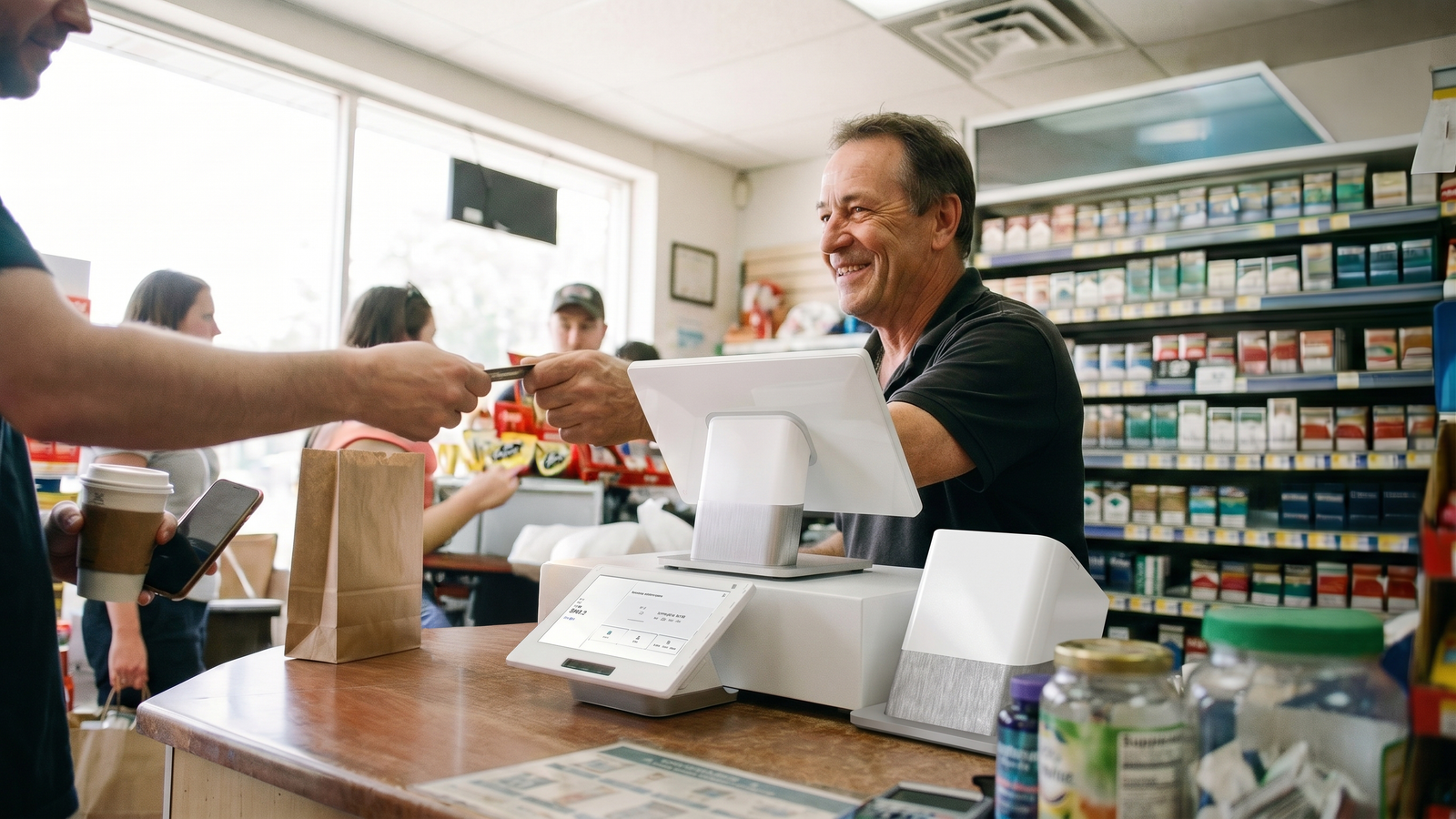
Plan around busy lanes, detailed product files and the equipment your counter relies on.
Explore Grocery and Convenience Solutions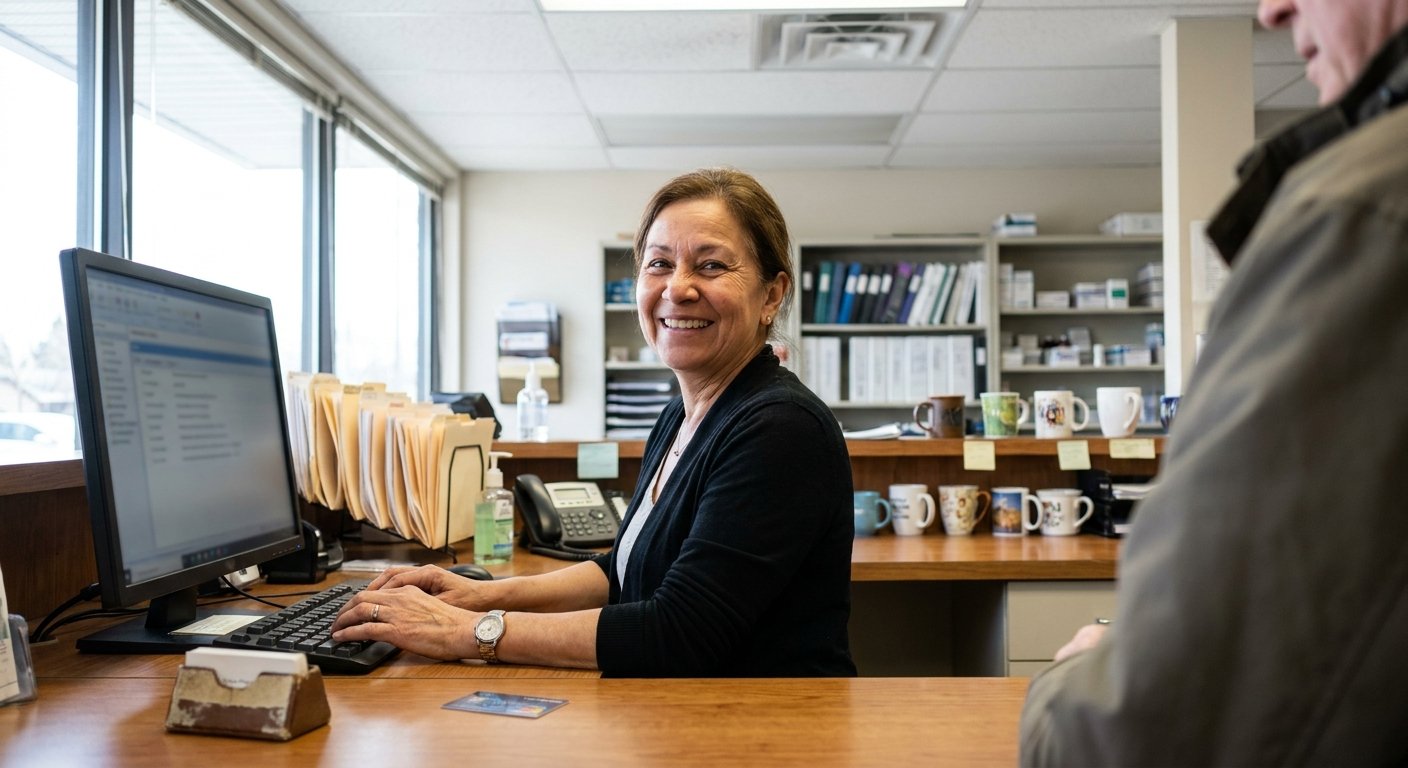
Make patient payment and billing follow-up easier to manage while keeping clinical records separate from the POS.
Explore Healthcare Solutions
Plan donation payments for online giving, recurring support and events, with reporting your team can work with.
Explore Nonprofit SolutionsTell us what you sell, which systems you use and where staff spend time working around the current setup.









