The short answer
- Dining room or bar: Clover's Standard setup is a 14-inch Station Solo and a handheld Flex on the Table Service plan.
- Busy take-out as well: the Advanced setup adds a Station Duo as a take-out station.
- Tap doesn't work on every device. Clover lists tap and mobile wallets as "Flex only" on Standard. The Station Solo takes swipe and chip.
- Quebec needs one more piece: a billing system certified by Revenu Québec. Of the two built for Clover, one covers table service.
- There's no public price list. Clover says to contact sales, so get every line in writing.
Which setup suits your room
These are our starting points, based on what Clover puts in each setup. Your floor plan can change them.
| Your restaurant | Start with | Why | Check first |
|---|---|---|---|
| Dining room with servers | Station Solo and Flex | The station stays at the host stand or bar. The Flex goes to the table for orders and payment | How many Flex units your floor needs at a full sitting |
| Bar with tabs | Station Solo and Flex | Open tabs hold a card with a pre-authorization, and staff can close them on the Flex | Who can close a tab, and what you do when a guest walks out |
| Dining room with a busy take-out window | Add a Station Duo | Take-out customers get their own screen to tip and pay | Counter space for two screens |
| Patio or seasonal seating | One more Flex | It runs on Wi-Fi or LTE, so it isn't tied to your router | Signal at the far table, on a full night |
| Café with a few tables | The counter-service plan | People order at the counter, so you don't need table maps | Whether you'd use table service at all |
Clover's Canadian case study on Man of Kent, a bar on Toronto's Ossington strip, describes this kind of setup: staff take orders, manage tabs and close cheques at the table on a Flex with a built-in SIM. That's Clover's customer and Clover's telling, but it shows what the plan is built around.
What the Table Service plan includes
Clover lists all of this on its Canadian restaurant pages.
On the floor
Table maps, open tabs, bill splitting, tipping, and ordering and firing items from the table.
In the kitchen
Item modifiers, marking items sold out, and remote firing to a kitchen printer or display.
Online
A Clover online menu page, pick-up and delivery order types, QR order and pay, and menu links with third-party apps.
In the back office
Shift management, tip management, cost tracking, sales trend and cost of goods reports, and accounting connections.
What you may pay extra for
Clover lists these apart from the plan, so check whether each one is in your quote.
- Kitchen gear. A cash drawer and kitchen printer are listed as accessories. Kitchen displays come in 14 and 24 inches.
- Payroll. Clover calls payroll integrations an optional add-on.
- Staff apps. Clover's Canadian blog points to apps such as 7shifts for restaurant scheduling and tip pools, and Homebase for time clocks. Each has its own price.
- Card fees on online orders. Clover says online ordering has no added subscription or commission fee. Transaction fees still apply, and online orders carry card-not-present interchange, which is a different fee type from a tap at the table.
- Delivery. Clover names DoorDash and Uber Eats as App Market partners, but its Canadian help page marks DoorDash Drive as U.S. only. Ask which delivery route works in your city.
Four things to test before your first busy night
Tap on every device
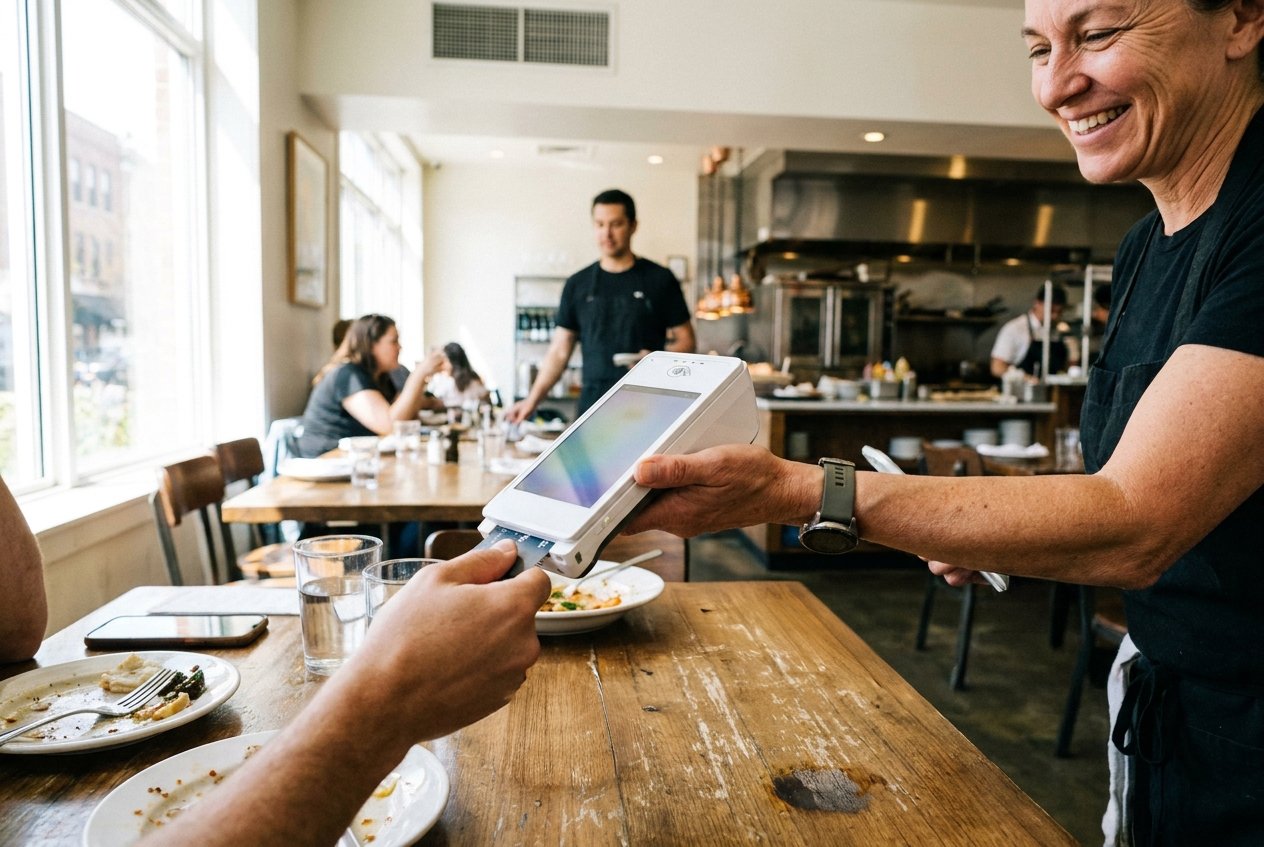
Take a tap card and a phone wallet to each device in your setup. On Standard, Clover says only the Flex takes them. A guest paying at the bar on a Station Solo has to swipe or dip.
The tip screen
Any Quebec merchant that suggests tips must work out the percentages before GST and QST and show a choose-your-own option without steering people. You stay responsible even if someone else set up the terminal. We couldn't find how Clover calculates its suggestions, so run a test sale and check the math.
A dropped connection
Clover's own pages disagree. Its Canadian help describes an offline option for up to 7 days, with limits, and says you carry the risk if a card later declines. Its developer page says Canadian merchants can't take offline payments. Test it on your device, and plan on LTE as your backup.
An Interac refund
Clover's developer page says Interac refunds need the card inserted. Show staff what to do when a guest asks for a refund and doesn't have the card with them.
In Quebec, Clover alone isn't enough
A Quebec restaurant has to bill through a system on Revenu Québec's certified list. Clover by itself isn't on that list. Two systems built for it are:
| System | Developer | Service types listed |
|---|---|---|
| Clover MEV Web | 15535743 Canada inc. | Table, counter, bar, food truck, own delivery, platform orders |
| Clover MEV Connect | Pulsar informatique Inc | Counter, bar, food truck |
So a table-service restaurant on Clover is looking at MEV Web. Read on Revenu Québec's list on 1 October 2026, and it can change. Ask who installs it, who supports it and what it adds to your monthly cost.
Two more Quebec limits: Clover says its Gift Cards app isn't available in Quebec or in French, and its Kiosk isn't offered in Quebec.
What to ask before you sign
- What is the monthly price of the plan, and of each device?
- Am I buying the hardware or paying for it monthly? Clover offers both.
- Which devices in this quote take tap and phone wallets?
- What are the card fees for tapped, keyed and online sales?
- Which accessories and apps are in this quote, and which are extra?
- How long is the term, and what does it cost to leave?
- Who do I call when a device dies mid-shift, and who sends the replacement?
- In Quebec, which certified system is this, and who supports it?
Common questions
Is Clover good for restaurants?
It suits a restaurant that wants tables, tabs, kitchen tickets and online orders in one system. It's a poor fit if you want to shop around for card processing, because Clover says its devices don't work with other processors. To compare it with other systems, see our restaurant POS comparison.
Does Clover POS work in Canada?
Yes. Clover sells Canadian plans, and its developer page says Canadian merchants can take Interac and run payment screens in English and French. A few things aren't offered everywhere, such as the Kiosk and Gift Cards in Quebec.
How much does Clover cost for a restaurant?
Clover doesn't publish it. Every plan on its Canadian pricing pages says contact sales. You can pay monthly or pay in full and own the hardware. Our cost guide lists what goes into a quote.
Can Clover split bills and run tabs?
Yes. Both are listed in the Table Service plan, along with table maps and tipping.
Do I need a kitchen display, or will a printer do?
Clover offers both. A printer is simple and familiar. A display helps when you want every order in one queue and want to see how long tickets take. See the Kitchen Display page.
Does Clover connect to Uber Eats and DoorDash?
Clover names both as App Market partners and lists third-party menu integrations on its restaurant plan. Ask which app does it, what that app costs, and whether delivery works in your area.
Sources
- Clover Canada: Restaurant POS, read 4 November 2026
- Clover Canada: Restaurant pricing, read 4 November 2026
- Clover Canada: Flex, read 4 November 2026
- Clover Canada: Kitchen Display System, read 4 November 2026
- Clover Canada: Online Ordering, read 4 November 2026
- Clover Canada: Online Store, read 4 November 2026
- Clover Canada: Kiosk, read 4 November 2026
- Clover Canada: Gift Cards, read 4 November 2026
- Clover Canada: Man of Kent case study, read 4 November 2026
- Clover Canada blog: Find the scheduling app that fits, read 4 November 2026
- Clover help: Manage online ordering options, read 4 November 2026
- Clover help: Accept offline payments, read 4 November 2026
- Clover developer docs: Canadian merchants, read 4 November 2026
- Office de la protection du consommateur: Tips, read 4 November 2026
- Revenu Québec: Clover MEV Web, read 1 October 2026
- Revenu Québec: Clover MEV Connect, read 1 October 2026