
Clover Mini: a complete POS for a small counter.

An 8-inch touch screen, a built-in receipt printer and a card reader for chip, swipe and tap, in one countertop unit. It connects by Wi-Fi, Ethernet or LTE. Here's what it does in Canada, and what to check before you order.

Clover Certified Dealer
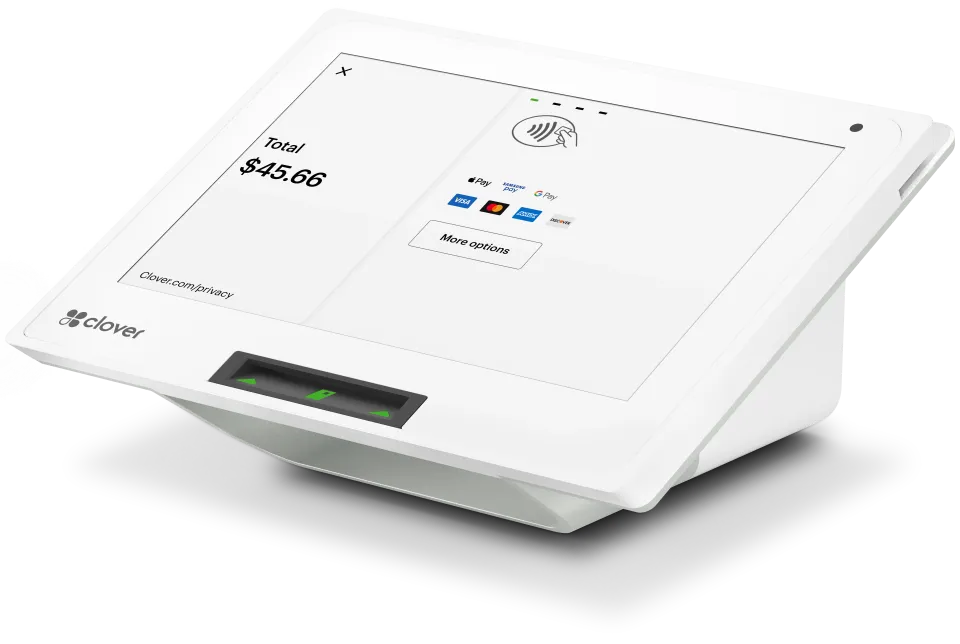
A Clover Mini countertop terminal.

Request a callback

Your name

Everything, at your fingertips

  • Payment options for your customers

    Mini makes it easy for customers to pay with swipe, dip, or tap. Credit or debit. And contactless payments like Apple Pay® and Google Pay™.

  • Anywhere anytime access

    A small POS with real time 24/7 access to your data lets you check in and run your business from wherever you are.

  • Start small and expand when needed

    Mini works with all other Clover devices and can expand with accessories to build a complete system so your system can grow as your business grows.

Full-featured tools built for small business

  • Inventory at your fingertips

    Keep your inventory organized and accessible with categories, labels, modifiers and variants that you control.

  • Sales info in real time

    Monitor transactions as they happen with info like hourly sales and top-selling items or refund and discount volume.

  • Take payments away from the counter

    Accept card-not-present payments with Virtual Terminal or request payment by invoice, and set up recurring payments for repeat business.

Clover helps you grow

  • Turn customers into fans

    Collect customer contact info and marketing preferences, so you can keep in touch with the people who come back.

  • Apps to customize

    Connect to best in class apps that help you run your business like Quickbooks for accounting, Homebase for staff scheduling, and DataCandy for loyalty and gift cards.

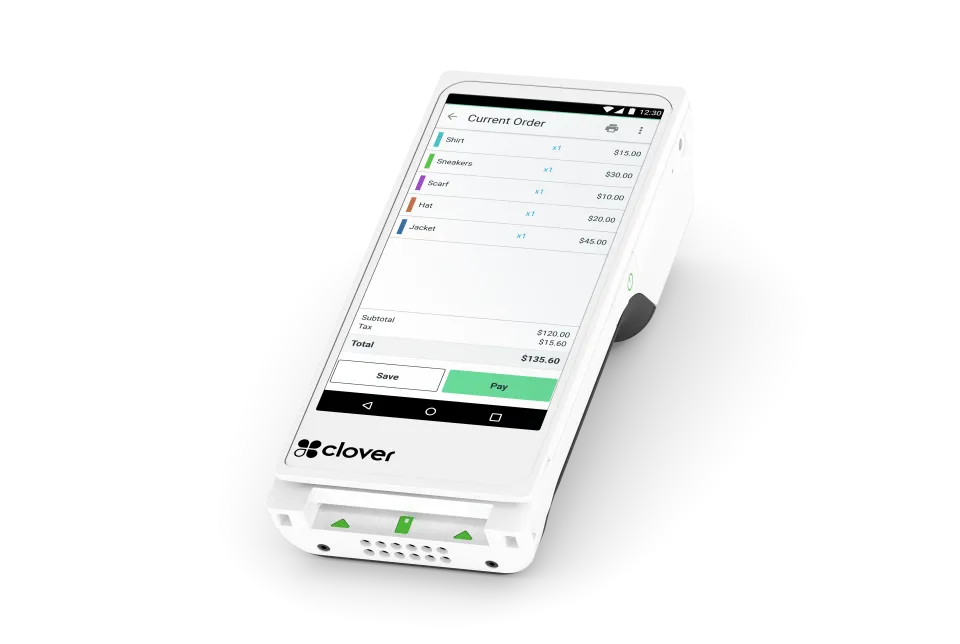
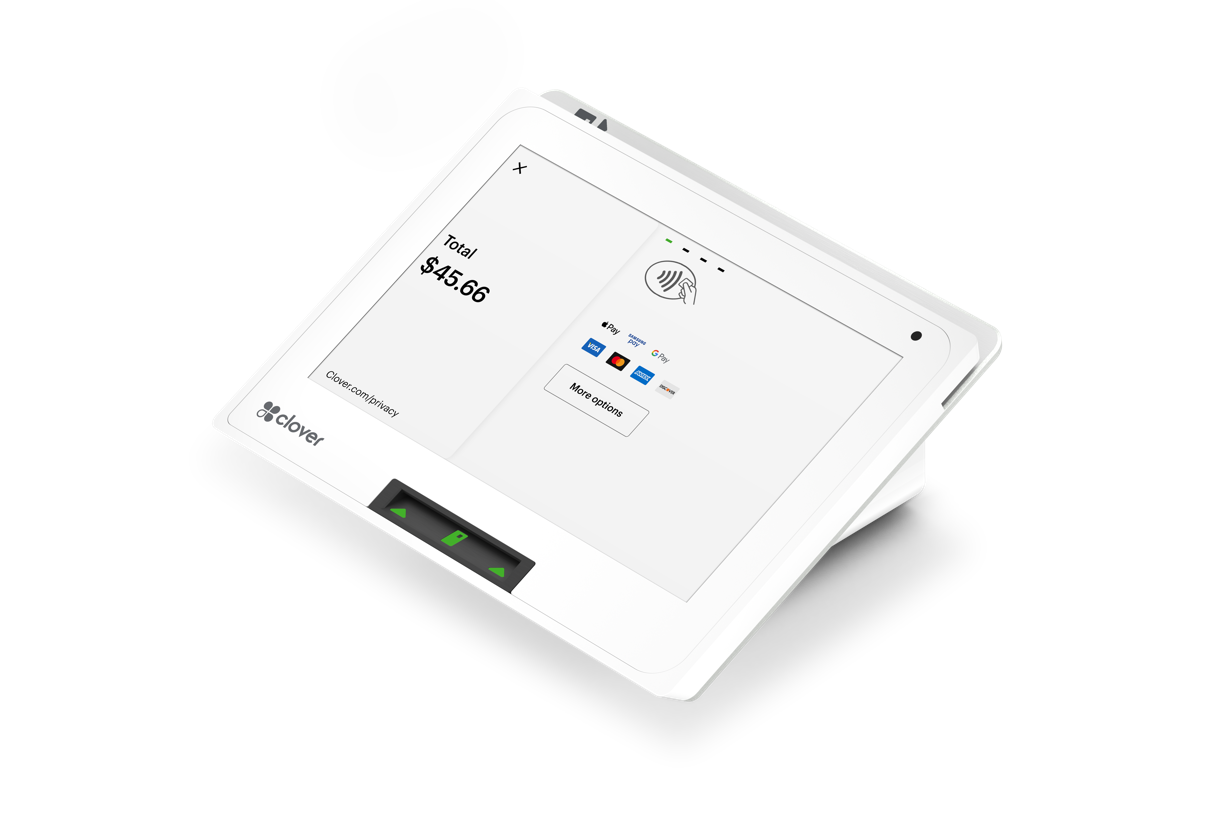
A Clover Mini showing a $45.66 total ready for a tap or dip payment.

A complete point of sale that’s better than ever

18" LCD color touch screen

Larger touch screen

The upsized 8" touch screen has plenty of room to confirm orders, complete payments, and manage everything to run your business.

Merchants on CleverPays

Rated 4.9 on Google

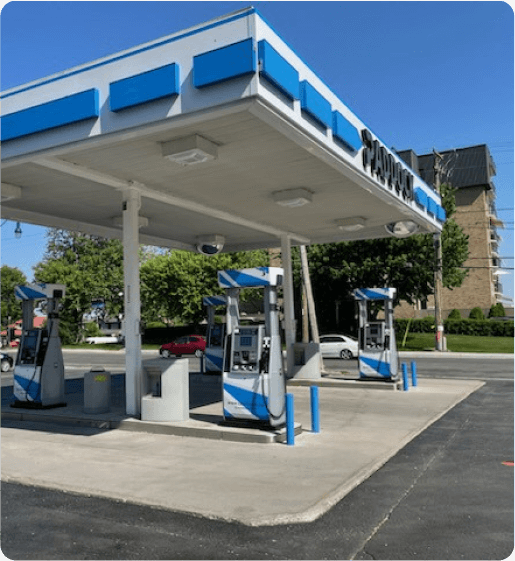
“Paddock gas station has seen incredible improvements since implementing the Pay@Pump solution from CleverPays. Our customers now enjoy the convenience of quick and secure payments right at the pump, and it’s boosted our efficiency and we saved a ton of money on our monthly payment processing costs.”

EricOwner, Paddock

A bakery owner angling a Clover Mini toward a customer on a tight marble counter.

What you get with Clover Mini

Clover Mini is one unit: an 8-inch colour touch screen, a thermal receipt printer and a card reader for chip, swipe and contactless. Customers dip or tap at the front of the device, and you can print a receipt or send it by email or text. A cash drawer is an optional add-on. Clover's drawer comes with a bill tray, a coin tray, two keys and a security cable.
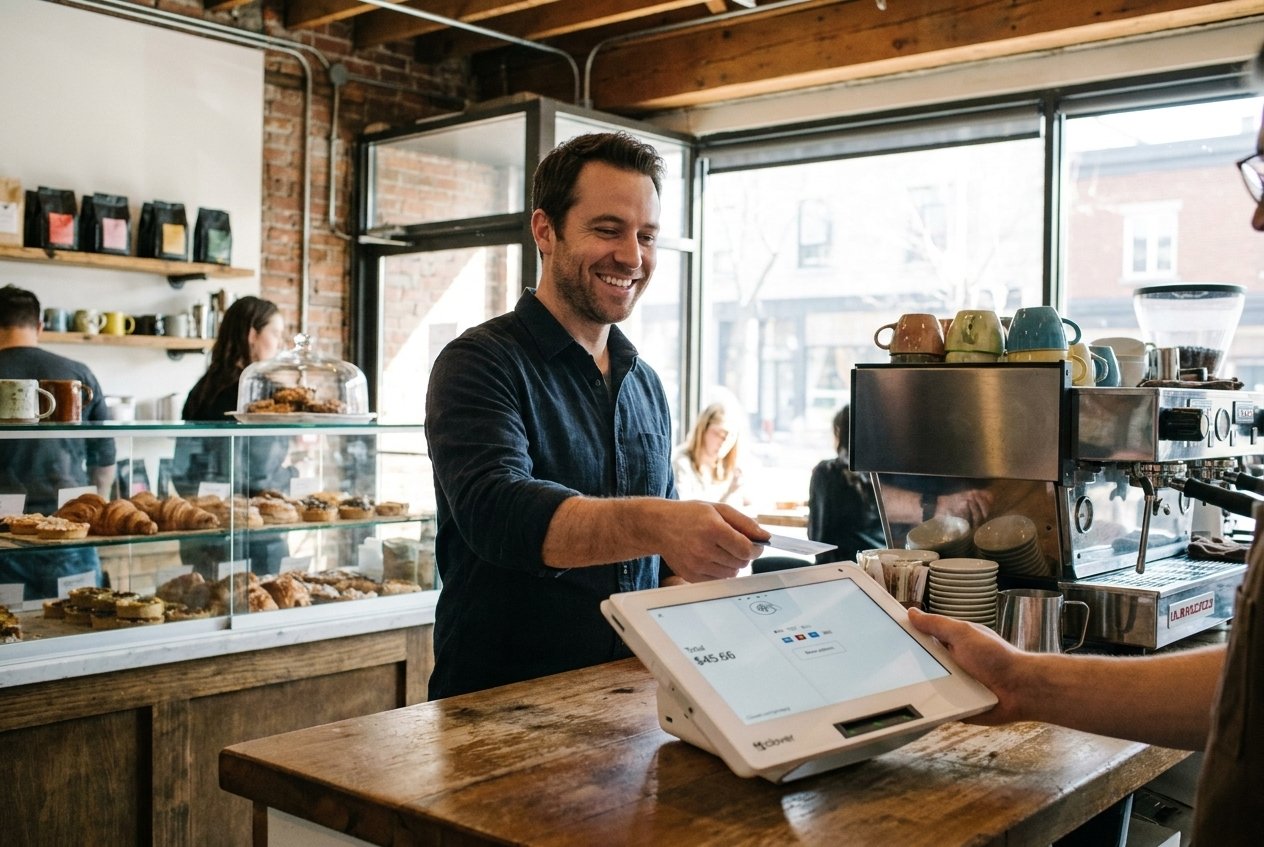

A cafe owner holding a Clover Mini toward a customer, the total on its screen, as the customer hands over a card.

Clover Mini specs

From Clover's Canadian product page and its developer specs for the current Mini 3:

  • Screen: 8-inch colour touch screen, 1280 x 800
  • Payments: chip, swipe and contactless
  • Printer: built-in thermal receipt printer, 2 1/4 inch by 85 foot rolls
  • Connection: Wi-Fi, Ethernet and LTE
  • Ports: two USB-A, one USB-B, Ethernet and one RJ12
  • Camera: front camera that reads 1D and 2D barcodes
  • Security: Clover end-to-end encryption
A hardware-shop owner tapping through the screen of a Clover Mini while an employee looks on.

Your plan decides what Mini can do

For shops and service businesses, Clover Canada lists four Mini plans: Payments, Essentials, Retail Growth and Services Growth. Payments covers cards, tips, invoices and basic reports. Essentials adds itemized orders, stock tracking and real-time sales reports. Item variants, itemized returns and an online store need a Growth plan, and booking appointments needs Services Growth. For restaurants, the Mini plans are Essentials, Counter Service and Table Service. QR code and online ordering start at Counter Service. Table maps, open tabs and split bills are on Table Service only.

See what Clover costs
A customer tapping a phone on a Clover Mini at a cafe counter while the barista points to the reader.

Connect it by Wi-Fi, Ethernet or LTE

Mini plugs into your network by cable or joins your Wi-Fi. LTE needs a data plan, either Clover's optional paid plan or another LTE network. Clover also suggests a phone hotspot to keep taking cards in a pinch. If the connection drops, Mini can keep taking payments offline. Clover's Canadian help, read 20 November 2026, says offline payments go through once you're back online, for up to 7 days, and you take the risk if one is declined then, for example for an expired card or a wrong PIN.

A second compact register opened at a cafe counter.

Accessories that work with Mini

Clover lists these for a new Mini: the cash drawer, a handheld or hands-free barcode scanner, a kitchen printer and a weight scale that sends the weight straight to the sale. You can also add a Flex handheld to the same system. Your plan limits the list. In Clover's tables the scanner starts at Essentials, and the kitchen printer and scale need a Growth or restaurant service plan. Bring the model of anything you already own and we'll check it.

A garden-shop owner talking a new hire through the screen of the Clover Mini on their counter.

Plan for changes after launch

Mini works with Clover's other devices, so a growing business can add before it replaces. A Clover Flex or Mini can always be added as an extra device to a plan as needed. A Flex takes payment at the table or on the floor, and a Station Duo adds a screen for the customer. When the catalogue, the team or the number of tills changes, look at the plan first. Many features people expect from bigger hardware come from the plan, not the device.

Request a callback

Your name

Common questions

The current Mini 3 has an 8-inch colour touch screen at 1280 x 800. The Mini 2 before it had a 7-inch screen, so check the model if you're buying a used one.

It has one screen. The card slot and contactless reader sit at the front, so customers dip or tap there. If you want a separate screen where the customer checks the order and tips, look at the Station Duo.

It's optional. Clover sells a drawer with a new Mini, with a bill tray, a coin tray, two keys and a security cable. If you already have Clover, the drawer is ordered through Clover's support team.

Thermal rolls 2 1/4 inches wide by 85 feet long, the same size as the Flex printer. The Station printer takes wider 3 1/8 inch rolls.

No. It connects by Ethernet, Wi-Fi or LTE. LTE needs a data plan, either Clover's optional paid plan or another LTE network.

Yes. Clover devices in Canada take payments offline and send them for approval when the connection comes back. Clover's Canadian help, read 20 November 2026, says this works for up to 7 days and you accept the risk that a payment is declined then, for example for an expired card or a wrong PIN.

Clover Canada doesn't publish a price. Its Mini page and plan tables say to contact sales. Prices on Clover's US site are in US dollars and don't apply here. Leasing is available. We usually suggest buying, so ask us to compare before you sign.

No. Clover Canada says its devices can be bought or leased from other sellers but can't be used with other payment processors. Check who you're buying from and which model it is: Clover is ending app updates for first-generation devices, including the original Mini.

Yes. Clover devices support English and French payment screens. Two things to check: a Quebec restaurant needs a certified sales recording system, and we install the Clover MEV Web app, which is on Revenu Québec's certified list. Clover's gift cards aren't offered in French or in Quebec.

Mini stays on the counter, with a bigger screen and room for a cash drawer, scanner and scale. Flex is a handheld with its own printer and scanner that goes to the customer. Plenty of businesses run both.

See how we help

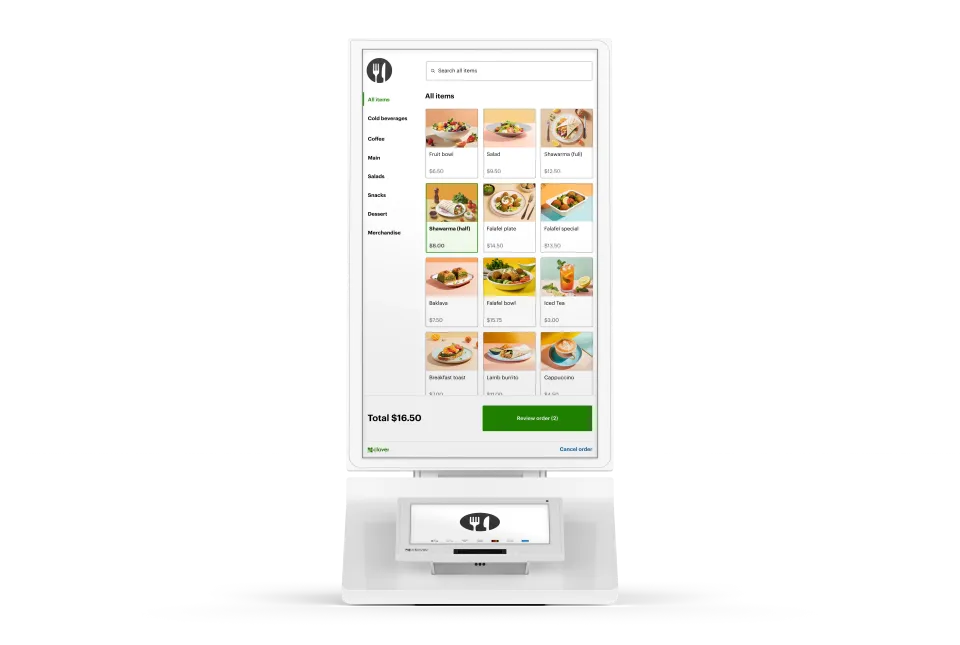
A Clover self-serve ordering kiosk.

Clover Kiosk

Self-serve ordering and payment for quick-service counters. Ask us about availability in your province.

See Clover Kiosk

Build the right compact checkout

Tell us about your counter, the equipment you already have and what Mini needs to handle. We'll match the plan and accessories to it.

Compare Mini with the other Clover options

A Clover Flex handheld terminal.

Choose around movement

If staff need to take payment at the table or on the shop floor, the Flex is a handheld with its own printer and barcode scanner.

Explore Clover Flex
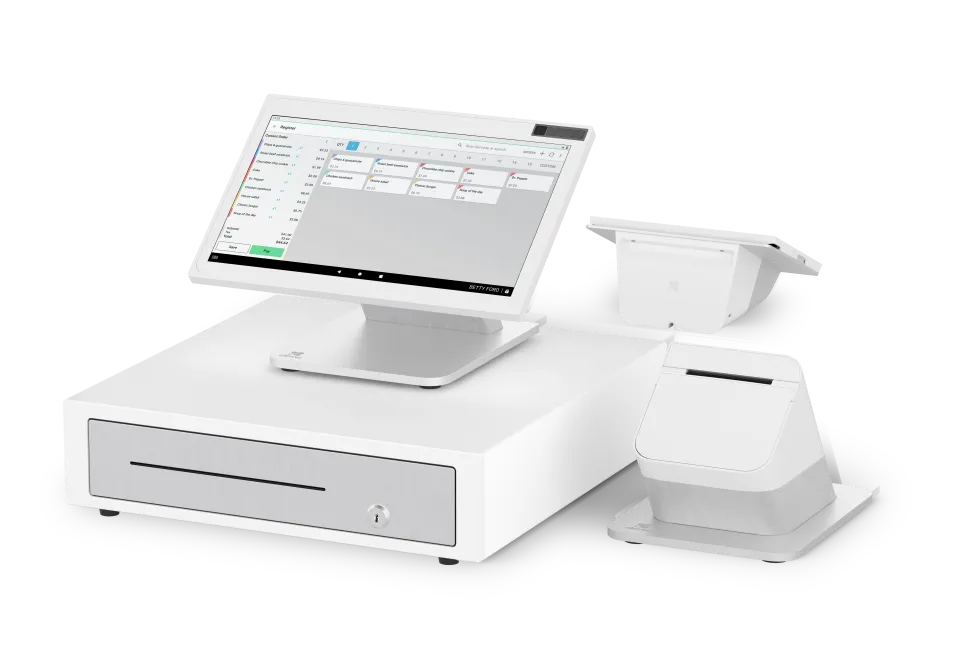
A Clover Station Duo with its customer screen.

Choose around the counter experience

If customers should see the order and add a tip on their own screen, the Station Duo pairs a 14-inch staff screen with an 8-inch customer screen.

Explore Station Duo
A Clover self-serve ordering kiosk.

Clover Kiosk: self-ordering for a busy counter.

A 24-inch order screen and an 8-inch payment screen with a built-in printer. Clover says it's English only and not offered in Quebec.

Explore Clover Kiosk
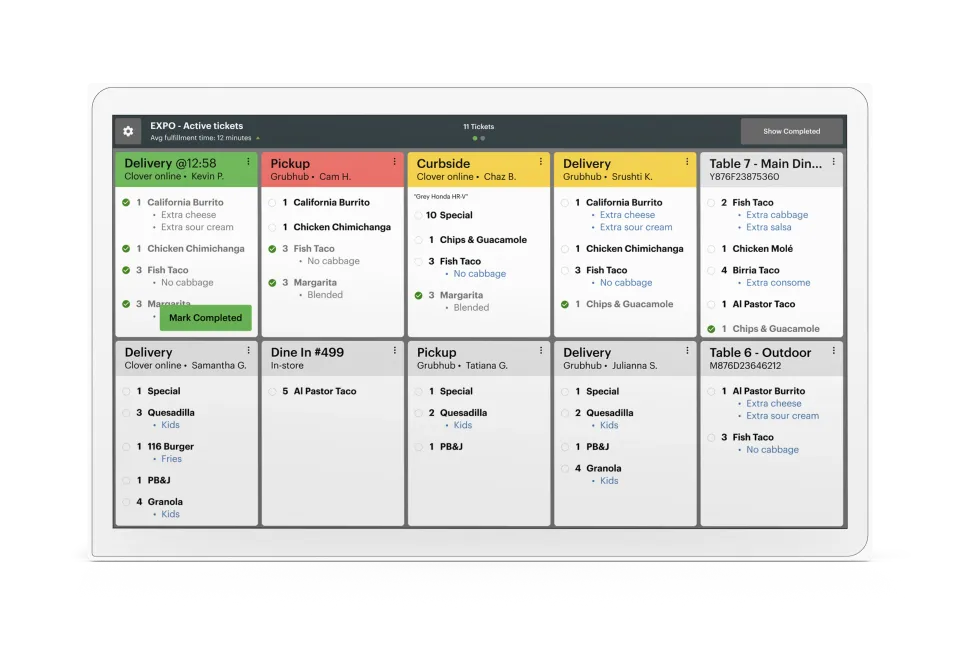
A Clover kitchen display screen.

Clover Kitchen Display: every order on one screen.

A 14-inch or 24-inch screen that shows orders, item status and ticket times, in place of paper tickets. Here's which size fits and what to check.

Explore Kitchen Display
Accept all major payment methods
VisaMastercardInteracAmerican ExpressDiscoverUnionPayJCBDiners ClubApple PayGoogle Pay